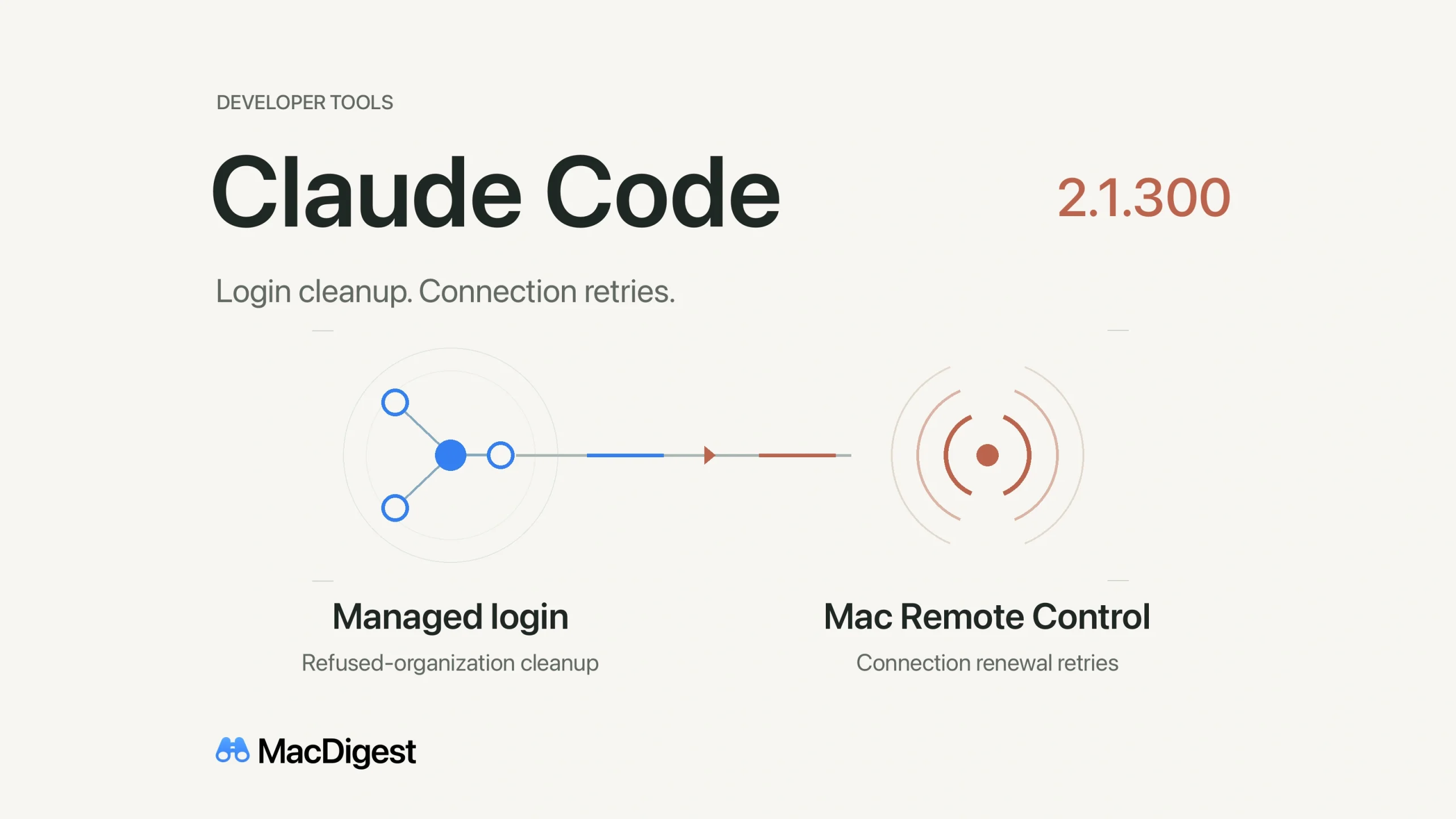
Claude Code 2.1.300 improves token cleanup after a refused organization login and retries Mac Remote Control connection renewal after transient sign-in errors. Illustration: MacDigest.
Anthropic released Claude Code 2.1.300 on October 14 with fixes for organization-restricted logins and Remote Control connections. For Mac teams using either feature, the useful checks are account policy, connection recovery and the version actually installed.
The update follows 2.1.299’s macOS sandbox path fixes, with a separate focus on authentication and remote sessions.
Rejected organization logins
Anthropic fixed a case where a login rejected by forceLoginOrgUUID could leave the rejected organization’s token stored, or still active after /login.
The scope matters for administrators. Anthropic’s authentication guide describes organization checks for specified claude.ai login paths. Console sign-in uses the setting to preselect an organization, while gateway sign-in relies on its own identity provider. This release note should not be read as a guarantee covering every credential type.
Remote Control recovers from sign-in errors
Remote Control servers previously could stop renewing their connection after a temporary sign-in problem, including a locked Mac keychain. They now retry and warn when claude /login is needed.
There is also a command-line change: claude remote-control --sandbox and --no-sandbox now exit with an error. Those flags previously had no effect. Anthropic directs users to sandbox.enabled in settings to configure sandboxing.
Check the installed version
Run claude --version, then follow the update instructions for your installation and your team’s approved channel. A stable channel can trail a new release. Restart and check the version again before assuming these fixes are present.
For a managed rollout, verify sign-in with the approved organization and check Remote Control reconnection in your normal workflow. If it requests reauthentication, follow the login prompt.
One sharing detail also changes: local transcripts now record each API request’s system prompt, tools and parameters. Review a transcript before sharing it; Anthropic’s application-data guide explains what is stored locally. The release note describes additional local recording, not automatic publication.
MacDigest has not independently tested these fixes.