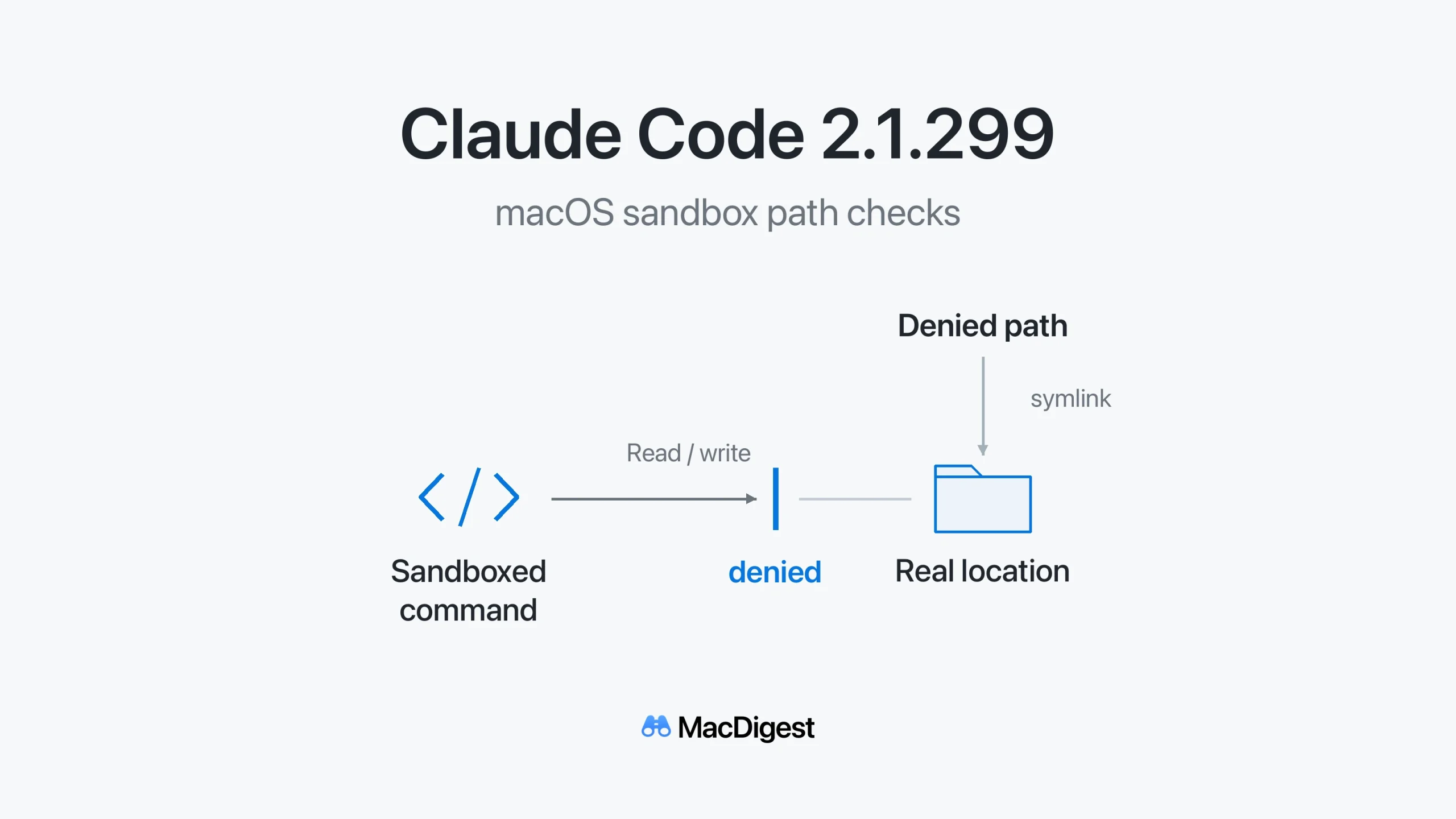
The macOS fix addresses access to a denied path through its resolved filesystem location. Simplified mechanism diagram, not a product screenshot. Illustration: MacDigest.
Claude Code 2.1.299, released October 14, fixes a macOS sandbox issue that could let shell commands read or write a denied path through its real filesystem location. Mac developers relying on those restrictions should check their installed version and update channel.
When a path points elsewhere
The macOS fix concerns denied paths that pass through symbolic links. A symlink points to another filesystem location, so restrictions must account for where that path resolves. Anthropic says sandboxed commands could previously reach the denied content through its real location.
Two related fixes tighten sandbox enforcement. Glob-based read and write allowances are checked again if their starting directory becomes a symlink. Sandboxed shell commands can no longer write into --plugin-dir folders, whose code Claude Code reloads and executes outside the sandbox.
Anthropic’s sandbox guide says isolation applies to Bash commands and their child processes. Claude Code’s file tools, MCP servers and hooks run outside it. MacDigest has not independently tested these fixes.
Check the version and the channel
At 05:36 UTC on October 14, the main npm package and its Apple silicon and Intel Mac packages listed latest as 2.1.299 and stable as 2.1.287.
Run claude --version to check your version; claude doctor provides installation and update diagnostics. Follow Anthropic’s update instructions for your installation:
- Native: run
claude update, then restart Claude Code. It follows the channel shown in/configunder Auto-update channel. The default islatest;stabledeliberately trails new releases. - Homebrew: use
brew upgrade claude-codefor the stable cask, orbrew upgrade claude-code@latestfor the latest cask, matching the one installed. - npm: run
npm install -g @anthropic-ai/claude-code@latest. Anthropic warns thatnpm update -gmay leave an older release installed.
After relaunching, check the version again. An “up to date” result on a delayed channel can still mean an earlier build.