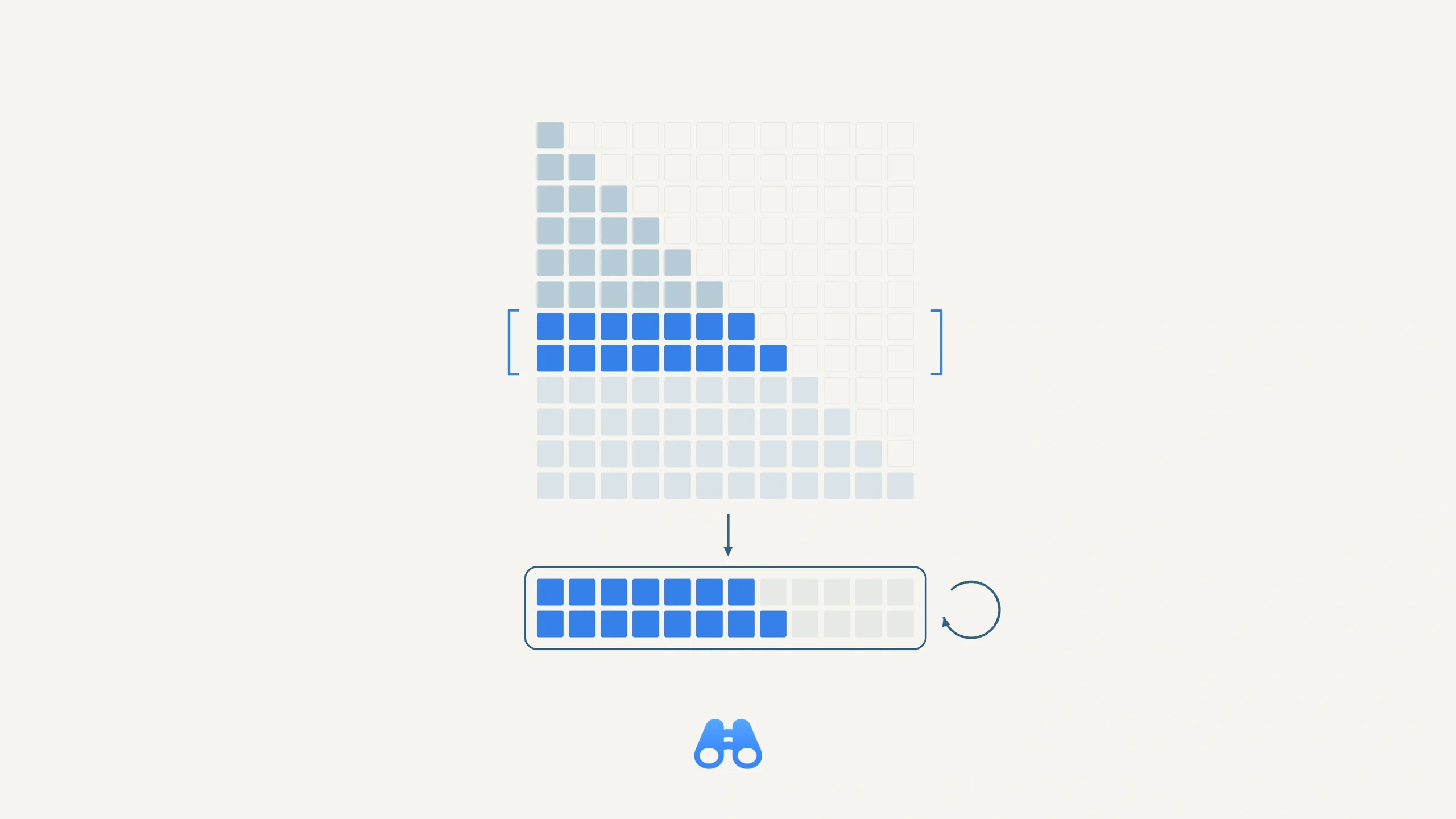
A conceptual view of blocked causal attention: a highlighted band of query rows is processed using a reusable working buffer. The grid and block sizes are illustrative, not memory measurements. Illustration: MacDigest.
Apple's MLX team released version 0.32.4 on October 14. For Mac developers running local models, the changes worth checking include an M1/M2 attention error, memory use in a specific attention path on M4 and older chips, and a conditional distributed-inference hang.
Check attention workloads on older Macs
An M1/M2 fix addresses a corner case introduced by recent optimizations to scaled dot-product attention. A kernel could exceed the GPU's supported threads per threadgroup. MLX now selects a lower-register-pressure kernel for supported cases when the default kernel exceeds that limit. The upstream report includes an M1/M2 reproduction, rather than a claim that every model is affected.
A separate D512 attention change targets memory use on M4 and older GPUs. It processes qualifying causal attention workloads with 512-wide heads in blocks, reusing temporary buffers. Upstream Gemma 4 tests on M4 Pro and M3 Ultra showed lower peak memory. Results depend on the model, data type and prompt shape, so measure your own workload before budgeting around a saving.
Revisit fast-sync distributed runs
The release also includes a Metal fence deadlock fix relevant to distributed inference with pipelining when MLX_METAL_FAST_SYNCH=1 is enabled. The reported hang involves asynchronous CPU/GPU work and the ordering of a GPU spin-wait. The patch makes that wait respect earlier tracked GPU work.
If this configuration has stalled a multi-Mac run, it is a concrete reason to retest. The author notes that synchronization across multiple GPU streams still needs follow-up work.
Verify the runtime your app actually uses
MLX 0.32.4 and its matching mlx-metal package are available on PyPI, with macOS Apple-silicon wheels. On macOS, the Python package declares the matching Metal backend as a dependency.
The Mac requirements are Apple silicon, native Python 3.10 or later, and macOS 14 or later.
Check the installed versions in the environment used by your runner. Keep the current dependency pins, then compare the same model, quantization and prompt length in a separate test environment before changing a working setup. An app that bundles MLX needs its own compatible update; changing another Python environment may have no effect.
MLX-LM has separate version requirements, as our LFM2.5 Mac setup coverage explains. The latest MLX Swift release remains 0.32.3, dated September 30, as of this report. Core 0.32.4 does not announce a new Swift wrapper release.
MacDigest has not independently tested these fixes.