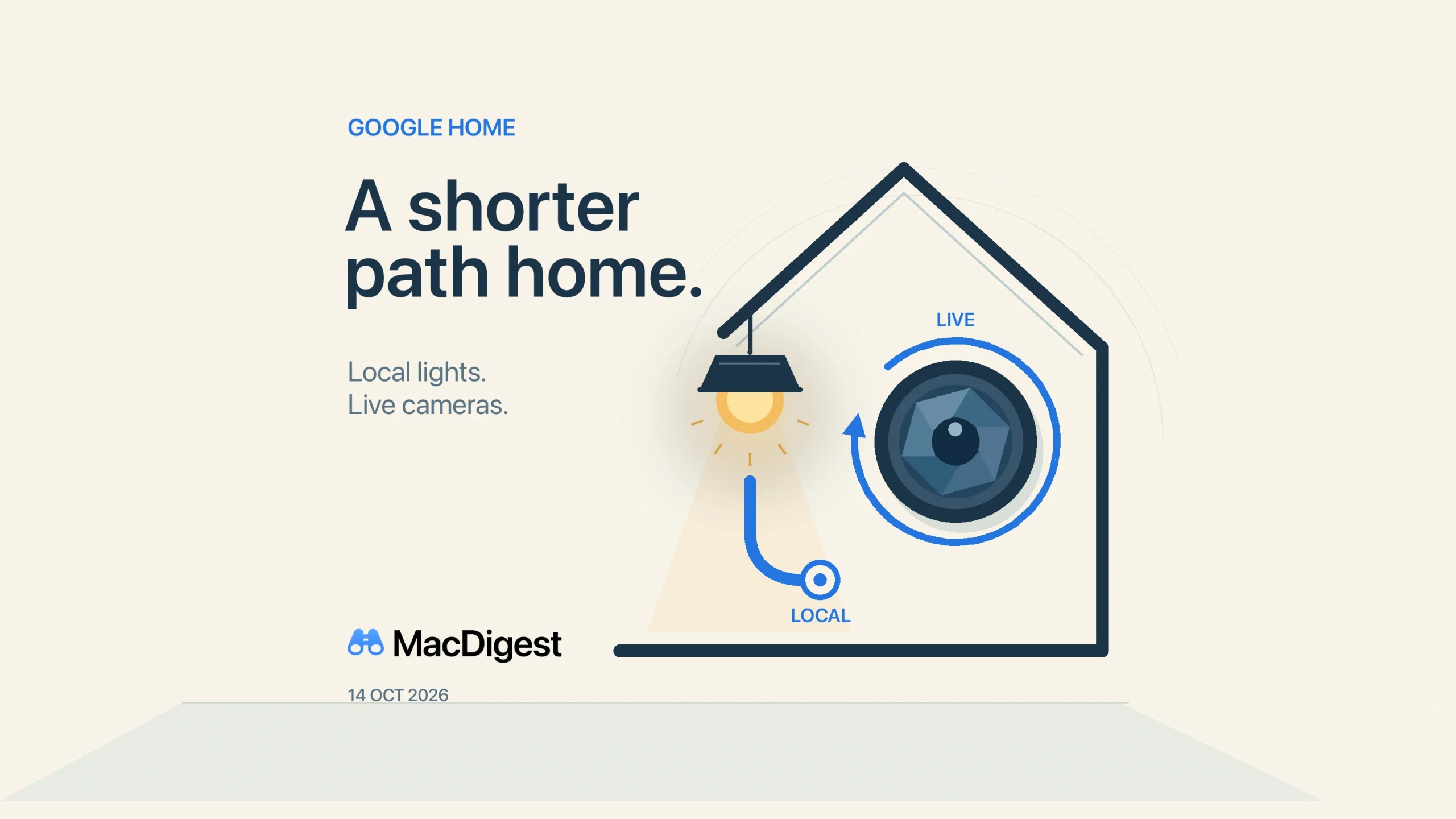
Google Home’s update pairs local Hue control with automatic retries for stuck iOS camera tiles. Illustration: MacDigest.
Google Home’s October 14 update brings two practical changes for households using the app on an iPhone or iPad: a local connection for Philips Hue lights and automatic retries when camera tiles stop at an old image.
Hue moves to local control without re-pairing
Google says existing Philips Hue bridges will upgrade automatically in the background to local Matter control through Google Home hubs. It promises quicker responses and better reliability, with no re-pairing required. Leave an existing setup in place rather than removing the bridge to trigger the change.
The useful check is whether your home already has a compatible hub. Google’s hub list includes Nest Mini, Nest Audio and Nest Hub models, among other devices. Check your exact model and that it is set up in Google Home before assuming you need new hardware.
Matter can carry commands over the home network. Google’s control documentation says commands sent from away still travel through the cloud to the home hub. Local lighting control therefore does not establish that the entire Google Home experience works offline.
Camera tiles get another chance to connect
On iOS, the app now automatically retries a connection when a camera tile gets stuck showing an old snapshot instead of live video. The fix addresses that specific failure; the October 14 notes do not specify affected camera models.
After updating, open a camera you normally use and check that live video actually starts. A familiar still image alone cannot tell you whether a stream is current. This is a suggested check, not a hands-on test of the fix.
Allow time for the rollout
Google warns that features can arrive gradually even with the latest app installed. Its October 14 notes give no minimum app version, country list or Hue bridge model list for these changes.
Update Google Home through the App Store, keep the existing hub connected, and try an ordinary light command and camera view. If nothing looks different yet, the rollout warning is a reason to wait before changing a working setup.