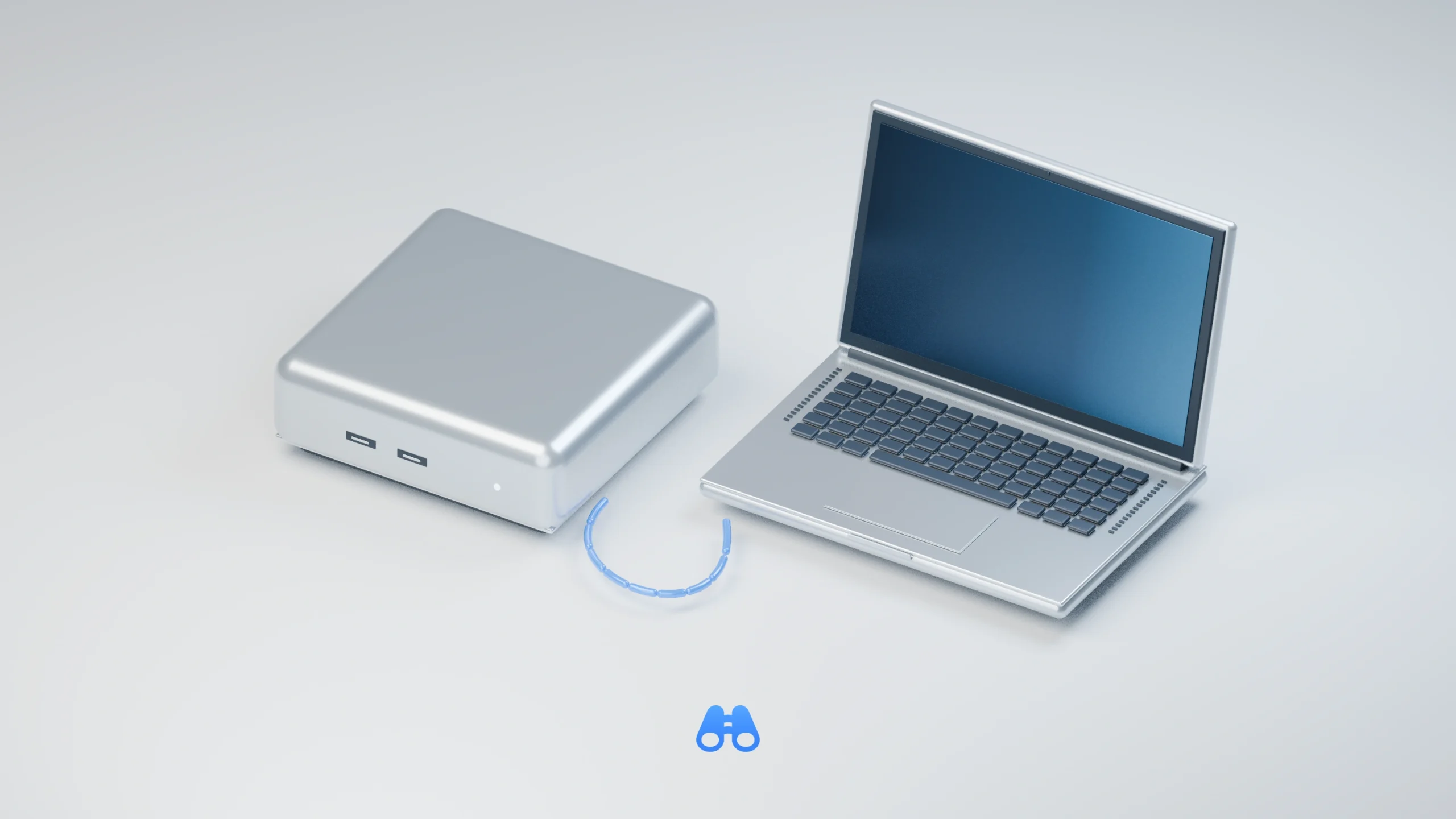
MacDigest original conceptual illustration of persistent local AI service, shown as a compact Mac-inspired desktop and laptop client with an abstract data path. This is not a Magnitude app screenshot.
Magnitude 0.2.9, released October 15, adds a persistent server mode for Macs that run local AI models for other computers. For a developer using a laptop alongside a more powerful desktop Mac, the update removes the need to keep a foreground terminal session open. The production release includes separate Apple Silicon and Intel Mac downloads.
A server that survives logout
Server mode registers a macOS LaunchDaemon that runs as the user, sharing models and settings with the desktop app. It starts before login, continues after logout and restarts after a crash. Downloaded updates install when no request or agent turn is running, with clients reconnecting after a short pause.
The previous remote-server guide described a foreground process that stopped when its Mac terminal closed, with downloaded updates requiring a stop and restart.
The browser interface lets another computer download and load models, view usage and change settings. The desktop app and service cannot run together: opening the app offers a choice to keep the server or stop it. FileVault still requires someone to unlock the disk after a reboot. Serving models does not require Full Disk Access.
Claude Code without a Claude login
Claude Code support was already present. The new connection flow can work when Claude Code is not signed in, routing its requests, including built-in subagents, to the loaded local model. Users who sign in later must reconnect to use their own login for Claude models.
This runs a downloaded model through Claude Code; it does not provide Anthropic’s hosted models for free. Hosted-model requests still go to their provider, so local inference does not guarantee a fully offline workflow.
Mac requirements and network limits
Magnitude requires macOS 13 Ventura or later. Apple Silicon uses Metal acceleration, while Intel Macs use CPU inference. The release also keeps loaded models’ GPU memory resident during idle gaps to reduce the delay before the next request. That does not increase the Mac’s memory capacity.
Server setup enables network access and creates a key. That key also unlocks browser-based management, while connections use plain HTTP by default. Magnitude’s documentation therefore recommends a trusted or private network.
OpenAI- and Anthropic-compatible endpoints are available, but features depend on the model. The client still maintains conversation history and executes requested tools. MacDigest has not tested this release.