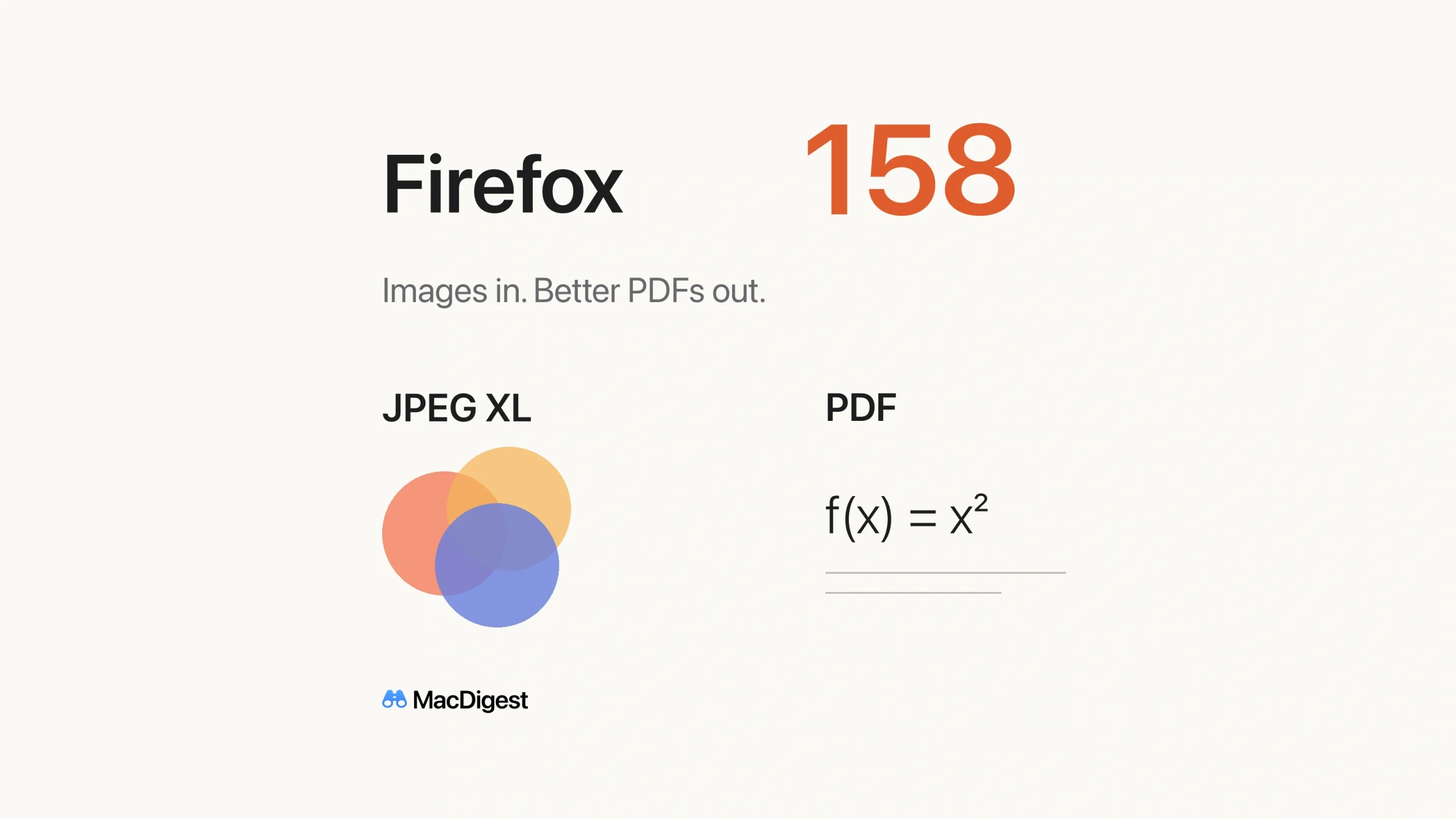
Firefox 158, released October 13, brings useful changes to images and documents on the Mac. JPEG XL support is now enabled by default, while PDF creation and printing receive accessibility and rendering improvements. For web developers, the release also expands CSS calculations and Mac graphics capabilities. [1, 2]
JPEG XL arrives by default
Firefox now advertises support for image/jxl in image requests, allowing appropriately configured websites to serve JPEG XL images. The format supports both lossy and lossless compression, along with features including transparency and HDR. Readers do not need to enable an experimental browser preference. [2, 4]
For publishers, this opens another image-delivery option. Keep a fallback format for browsers that lack support, and compare file sizes and visual quality with your own images before changing a production pipeline. [4]
Better output from webpages
Mozilla says Firefox now produces more accessible PDFs when saving webpages as PDF and when printing on macOS and Linux. The changes also address rendering problems, including missing mathematical symbols. That makes the update relevant to anyone archiving technical documentation or sharing pages containing equations. [1]
Check an important export before distributing it, particularly if it previously lost symbols. Mozilla’s release notes do not establish that every generated document meets a particular accessibility standard. [1]
Scrolling also gains finer positioning: Firefox no longer rounds scroll positions to whole screen pixels. Mozilla says the result is smoother, more precise scrolling, especially on high-resolution displays or zoomed pages. [1]
What developers can use now
CSS typed arithmetic lets calc() divide values of the same type, such as two lengths, to produce a unitless number. Developers can reuse that number to connect responsive properties, including sizes and angles. [2, 5]
On macOS, WebGPU gains clip-distances, which lets shaders cut geometry along custom planes for effects such as reflections or CAD cutaways. Check the adapter’s supported features before relying on it. These are stable-release additions; MDN separately lists features such as on-device speech recognition as Nightly experiments. [2, 6]
Firefox 158 also fixes vulnerabilities covered by Mozilla’s high-impact security advisory. To update on a Mac, open Firefox > About Firefox, let the update download, then restart when prompted. Developers should use the updated browser to check image fallbacks, PDF exports and affected graphics paths. [3, 7]