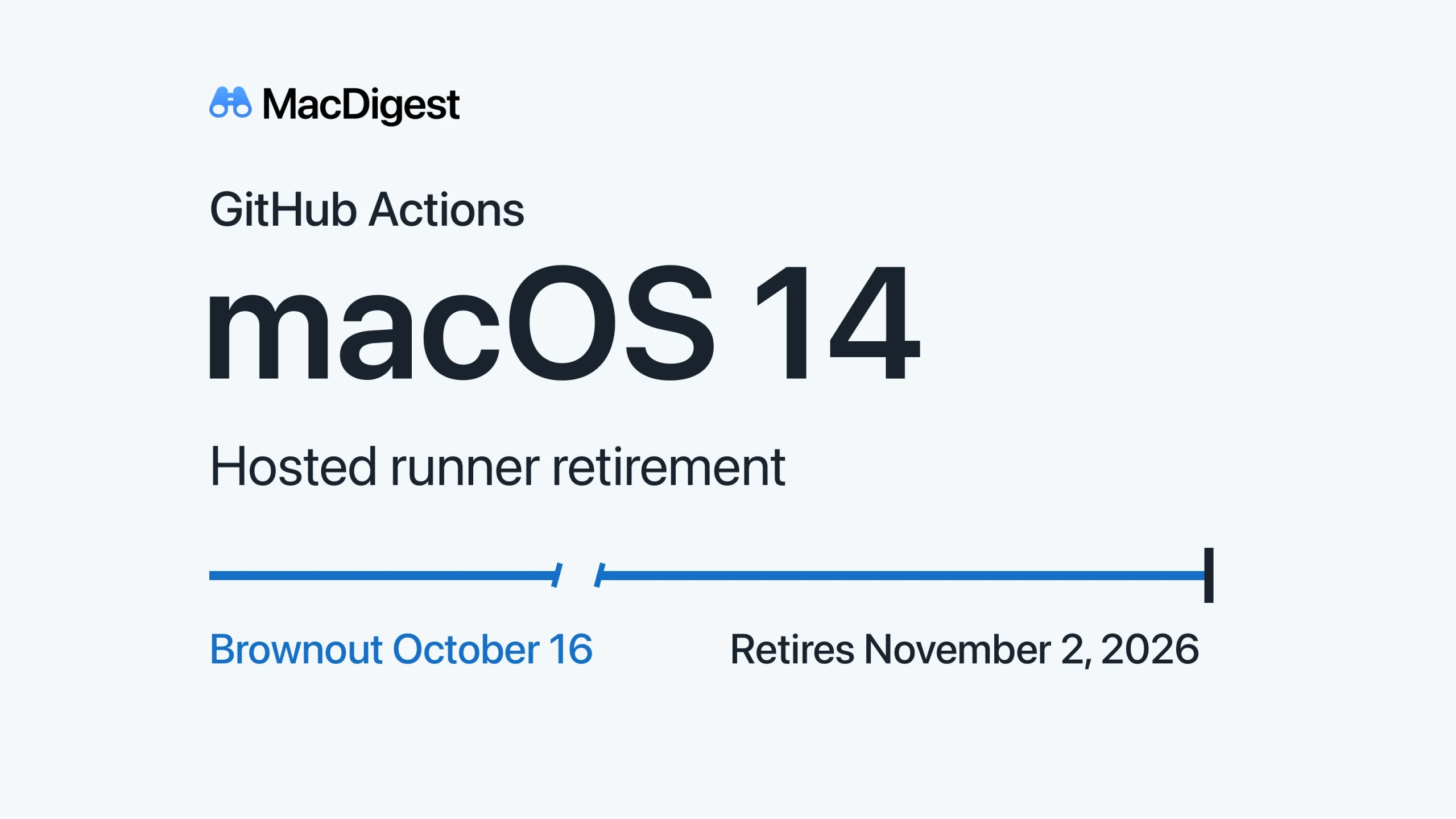
GitHub’s macOS 14 hosted runners face a scheduled brownout on October 16 before retirement on November 2, 2026.
GitHub-hosted macOS 14 jobs face another scheduled brownout from Friday, October 16 at 14:00 UTC until October 17 at 00:00 UTC. GitHub’s October 1 notice sets the images’ retirement for November 2, 2026. For Mac and iOS teams, this is a deadline to validate replacement build environments.
Find every macOS 14 dependency
The affected labels are macos-14, macos-14-large and macos-14-xlarge. Jobs using them will temporarily fail during the ten-hour window. GitHub may also reduce capacity before retirement, causing longer queues outside brownouts.
Search .github/workflows for these labels, then trace matrix values, variables and reusable workflows that supply runs-on. Follow shared workflows into their source repositories, and include scheduled and release jobs that a routine pull request might not exercise. Further brownouts remain on GitHub’s published schedule; simply waiting out Friday does not complete the migration.
Match architecture and Xcode
GitHub’s current image matrix identifies macos-14-large as Intel/x64, while macos-14 and macos-14-xlarge are arm64. Evaluate macos-15 or macos-26 for standard arm64 jobs, with the corresponding -xlarge label where needed. For Intel -large jobs, evaluate macos-15-large or macos-26-large rather than silently changing architecture. Check larger-runner access and cost before choosing.
macos-latest currently maps to macOS 26 on arm64. An explicit OS label avoids a future -latest remap, but does not freeze the image’s installed tools.
As checked October 14, the macOS 15 arm64 inventory lists Xcode 16.4 as its default, alongside selected Xcode 26 releases. The macOS 26 arm64 inventory defaults to Xcode 26.6. Neither lists Xcode 15. These are installed-image inventories, not macOS requirements for every Xcode version.
Prove the replacement before merging
Trial the chosen label in a branch. Verify the selected Xcode path, SDKs, simulator destinations, binary dependencies and signing steps. Inspect the job’s Set up job log, architecture and xcodebuild -version output. Exercise release packaging as well as tests before merging; a green lightweight job is not enough evidence for an untested release path.
Our GitHub Actions lockfiles guide covers a separate dependency-control layer. Workflow lockfiles do not pin the runner image or Xcode. This checklist is documentation-based; we have not tested these migrations hands-on.