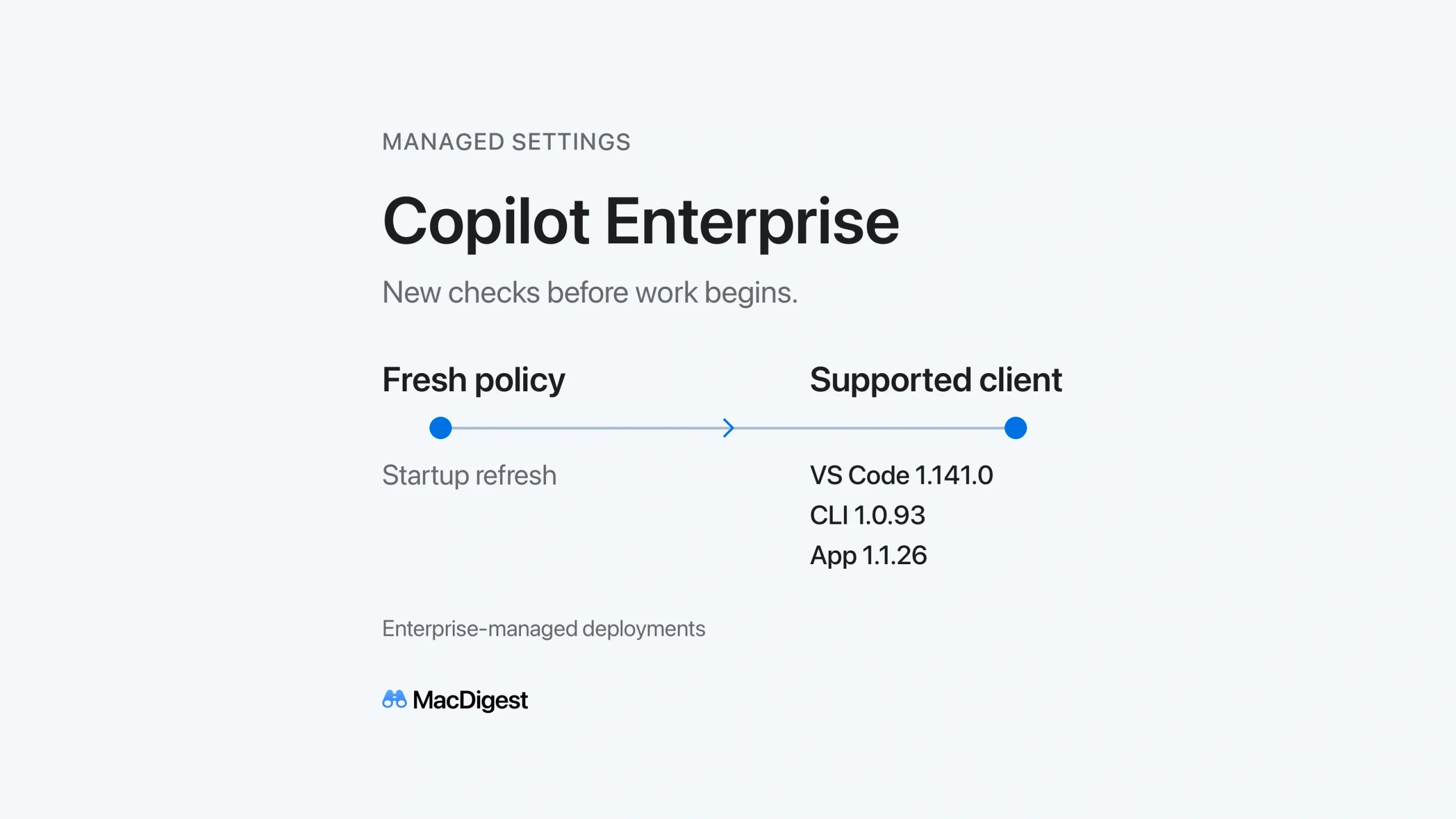
GitHub has added two enforcement controls for enterprise-managed Copilot deployments: a requirement to fetch current policy at startup, and minimum client versions when managed sandbox settings are present. The October 13 update matters for Mac teams that pin developer tools to specific releases or work with unreliable network access.
Administrators choose whether to require a fresh policy download. Teams using managed sandbox policies also need to check their installed client versions before developers lose access.
Fresh policy can become a startup requirement
Setting forceRemoteSettingsRefresh to true requires supported clients to retrieve current server-managed settings when they start. A cached policy no longer satisfies that requirement. Without the setting, clients retain their normal cache behavior, which helps them tolerate temporary service failures.
The documented failure behavior differs by client. In Copilot CLI and the GitHub Copilot app, a failed refresh leaves policy unconfirmed and restricts affected operations. In VS Code, Copilot features stay blocked until the refresh succeeds.
MDM-managed or file-based delivery can enforce freshness from the first startup, before initial sign-in. A server-managed value starts requiring refreshes on later startups, after the client has received it once. That distinction matters for newly provisioned Macs.
Managed sandbox policies raise the version floor
When the sandbox key is included in managed settings, GitHub now blocks connections from affected clients below its published minimum versions:
- VS Code 1.141.0
- Copilot CLI 1.0.93
- GitHub Copilot app 1.1.26
The update requirement applies to users covered by that managed policy.
GitHub made local sandboxing generally available on October 7. It limits agent-run tools and commands on the developer’s machine. In VS Code, the managed sandbox controls apply to sessions using Agent Host; their coverage does not extend to every chat session or terminal. These local controls should not be treated as a policy for the cloud agent.
Plan the Mac rollout before enforcement
On macOS, native MDM policies use forced managed preferences in the com.github.copilot domain. Values must be strings, including Boolean values represented as JSON text. File-based policies instead go in /Library/Application Support/GitHubCopilot/managed-settings.json.
For Copilot CLI on macOS, that file must be a regular, root-owned file without group or world write access. A symbolic link is rejected. GitHub’s file-deployment instructions also call for restarting supported clients to load the policy.
Device-delivered policies remain active when users switch accounts and can apply before sign-in. Server-managed policies follow the signed-in account. Choose the delivery method around the restriction’s intended scope.
A practical rollout recommendation is to update a small test group first, then enable the policy and restart each client. Check both a successful refresh and a failed connection through the networks developers actually use. Record the recovery steps before wider deployment.
For developers, the useful preparation is simple: know which client version your team supports and who owns the policy. A blocked Copilot session may now require an administrator’s attention as well as an app update.