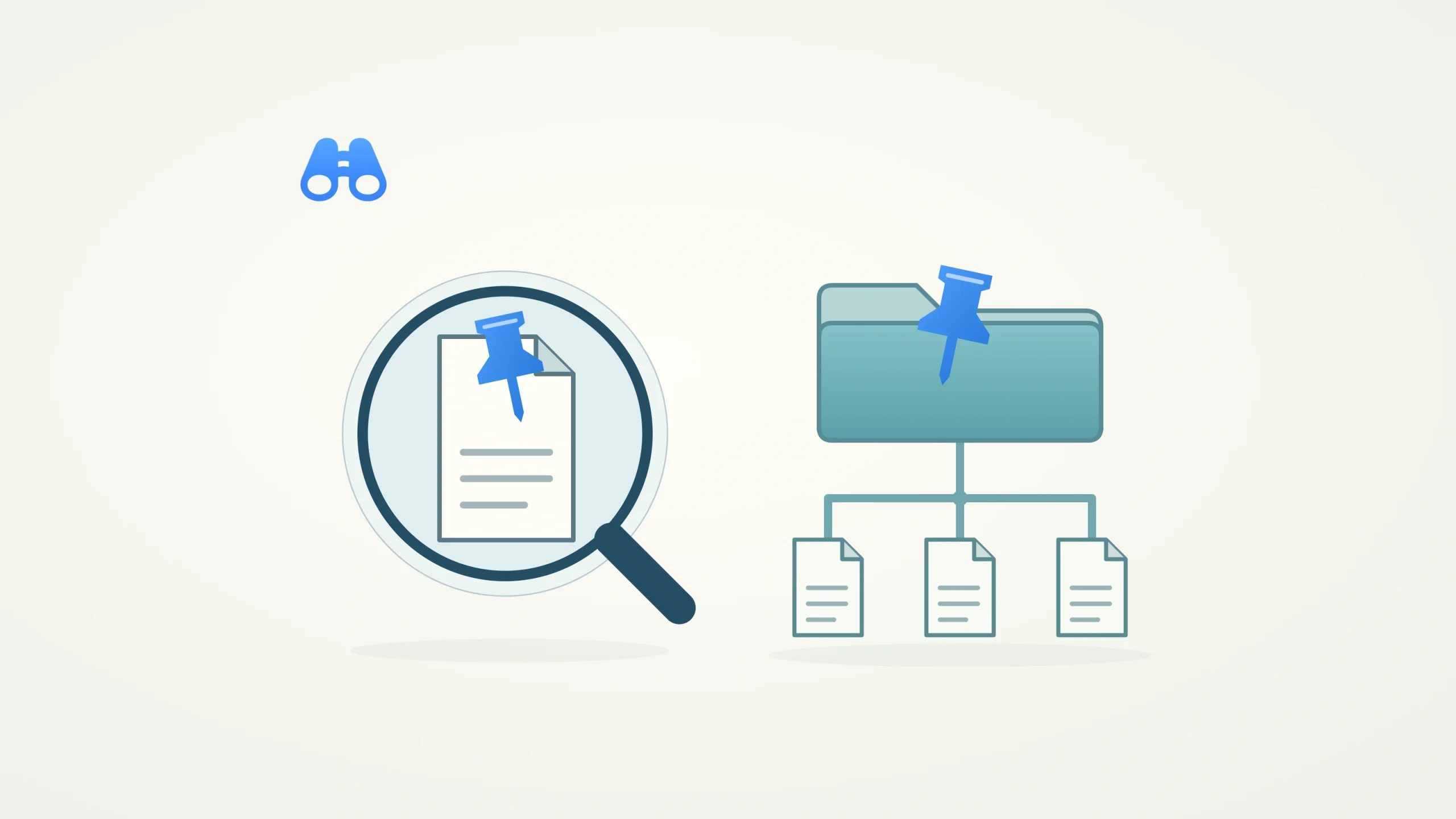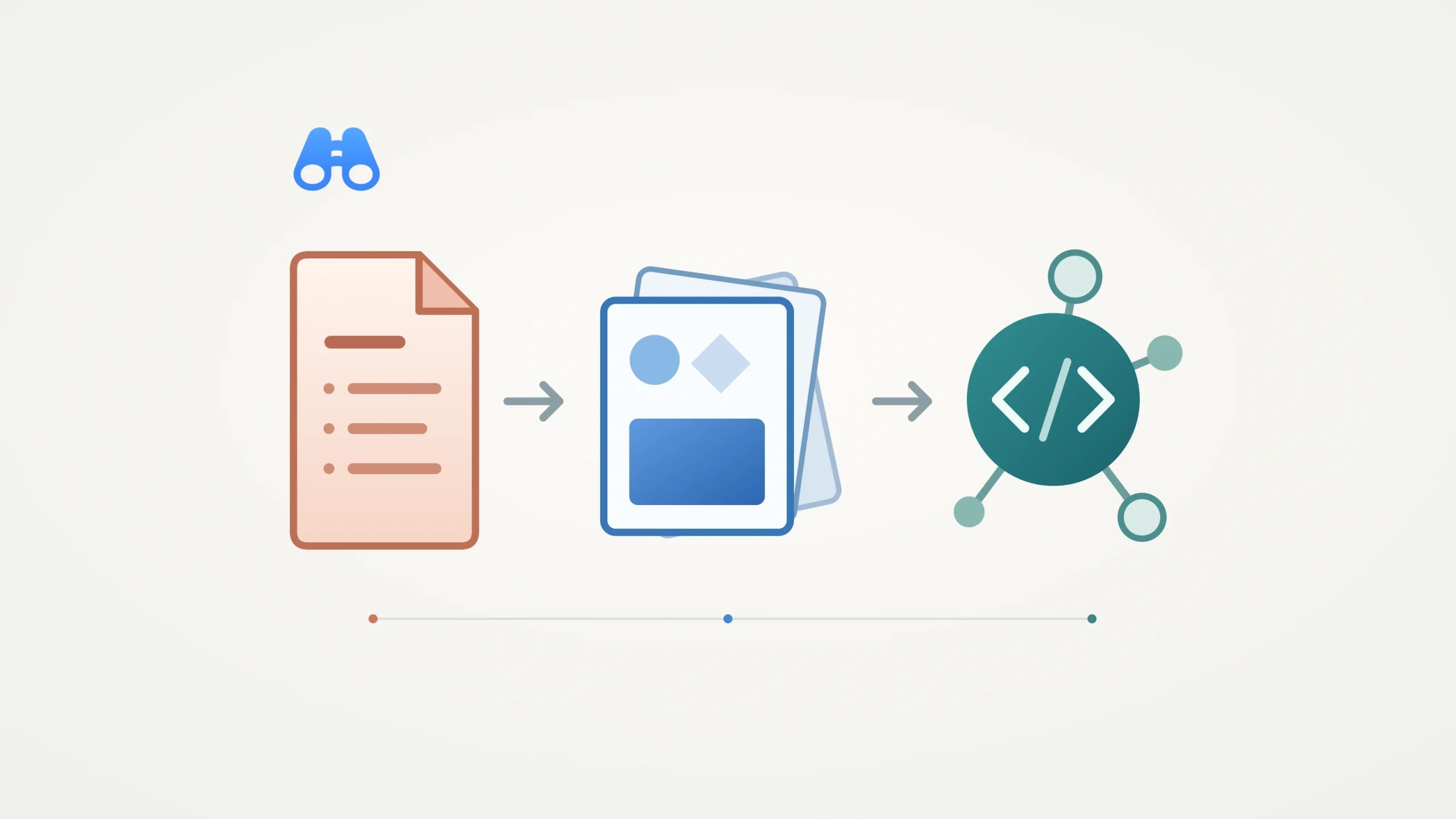
Conceptual illustration of shared requirements, design exploration and coding-agent handoff. Illustration: MacDigest.
Figma’s October 15 announcements bring Specs to open beta and expand code layers to open beta. For designers and developers working on a Mac, the useful connection is between written requirements, visual explorations and a coding agent’s next task. Code layers first entered closed beta in June; today’s change broadens access.
Give the agent a shared brief
Specs combines Markdown with references to designs, diagrams and code layers. Teams can bring an existing Markdown file onto the canvas, refine requirements alongside the work and pass a spec link to a coding agent through Figma’s Model Context Protocol server.
A practical starting point is a small feature: put its requirements and unresolved edge cases beside the relevant frames, agree on the behavior, then ask the agent to implement that bounded task. Update the spec when implementation reveals a missing requirement.
The documented figma-spec skill can read, create and update specs. It makes targeted edits, with instructions to preserve existing comment markers so discussion remains attached to the relevant text. Creating or updating a spec requires edit access to its file.
Explore working frontend prototypes
Code layers place running frontend prototypes on the canvas. Starting points include a GitHub repository, a local folder, existing design frames or webpage capture. Teams can compare variants, try interactions and extract a prototype’s current state into editable design layers.
The mobile-app option lets teams test interactions in Figma’s mobile app. It does not establish native SwiftUI execution or native iOS app export. Figma separately documents a figma-swiftui skill for translating between designs and SwiftUI. That is useful background for Apple-platform teams; its introduction date is not established by this announcement.
Check access before importing code
The rollout will unfold over the coming weeks. Creating code layers requires a Full seat. Specs is rolling out to paid plans, and using Figma’s agent with Specs in standalone files or Figma Design consumes credits. Manual editing is free; the closed FigJam-agent beta currently has a credit exception. On paid plans, code generation and editing within code layers is credit-free through November 4. Other agent tasks in the same prompt can still consume credits.
Before cloning private code, review the destination file’s sharing. Figma’s Git guide says viewers can inspect a code layer’s preview source, while editors can inspect the underlying Git-level source even without corresponding GitHub permission. A public-repository URL import also cannot push changes or create pull requests.
Code sources attached to libraries remain in closed beta, while centralized design-system management is a preview. MacDigest has not tested these features; the workflow above is a suggested starting point based on Figma’s documentation.