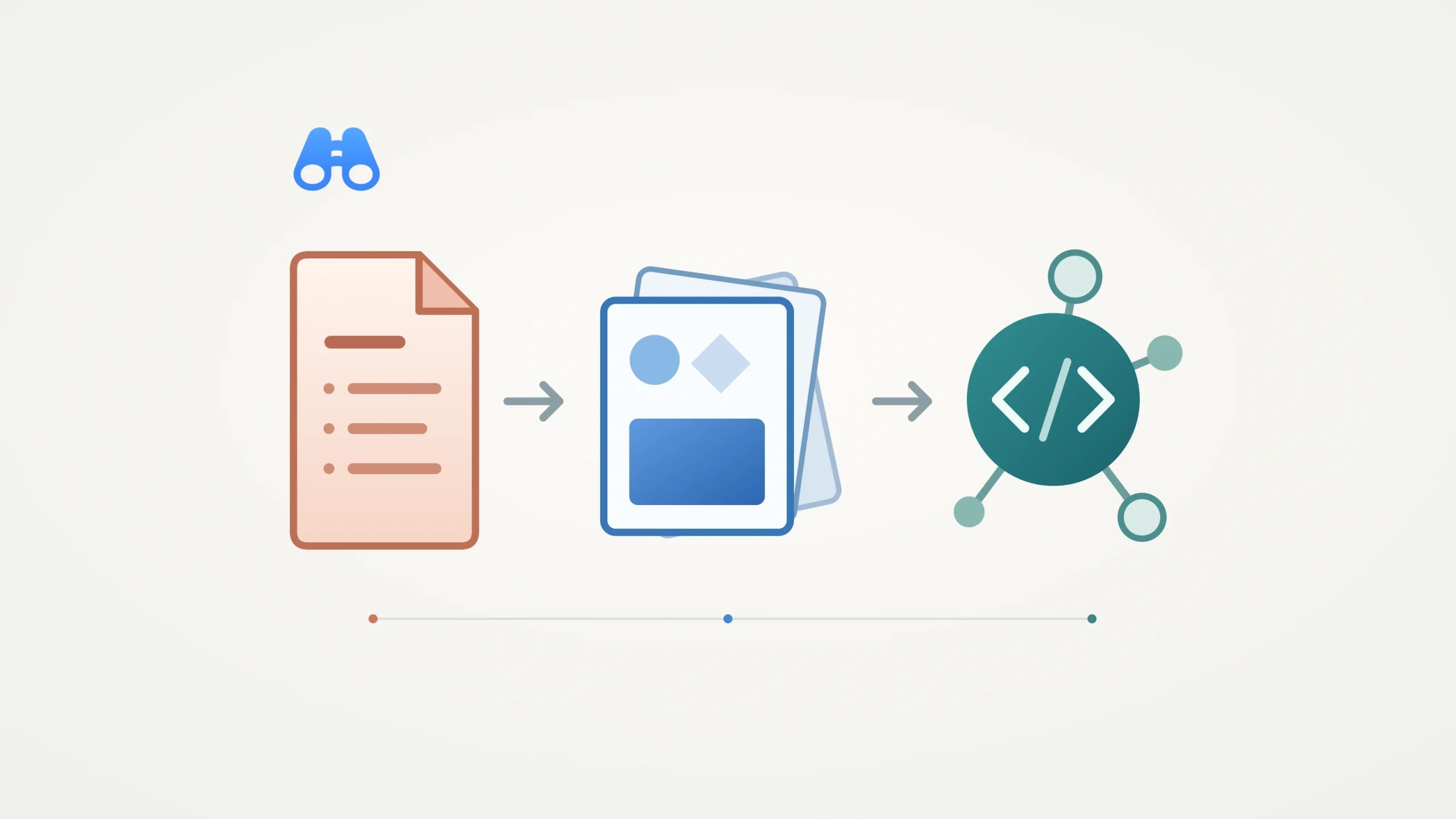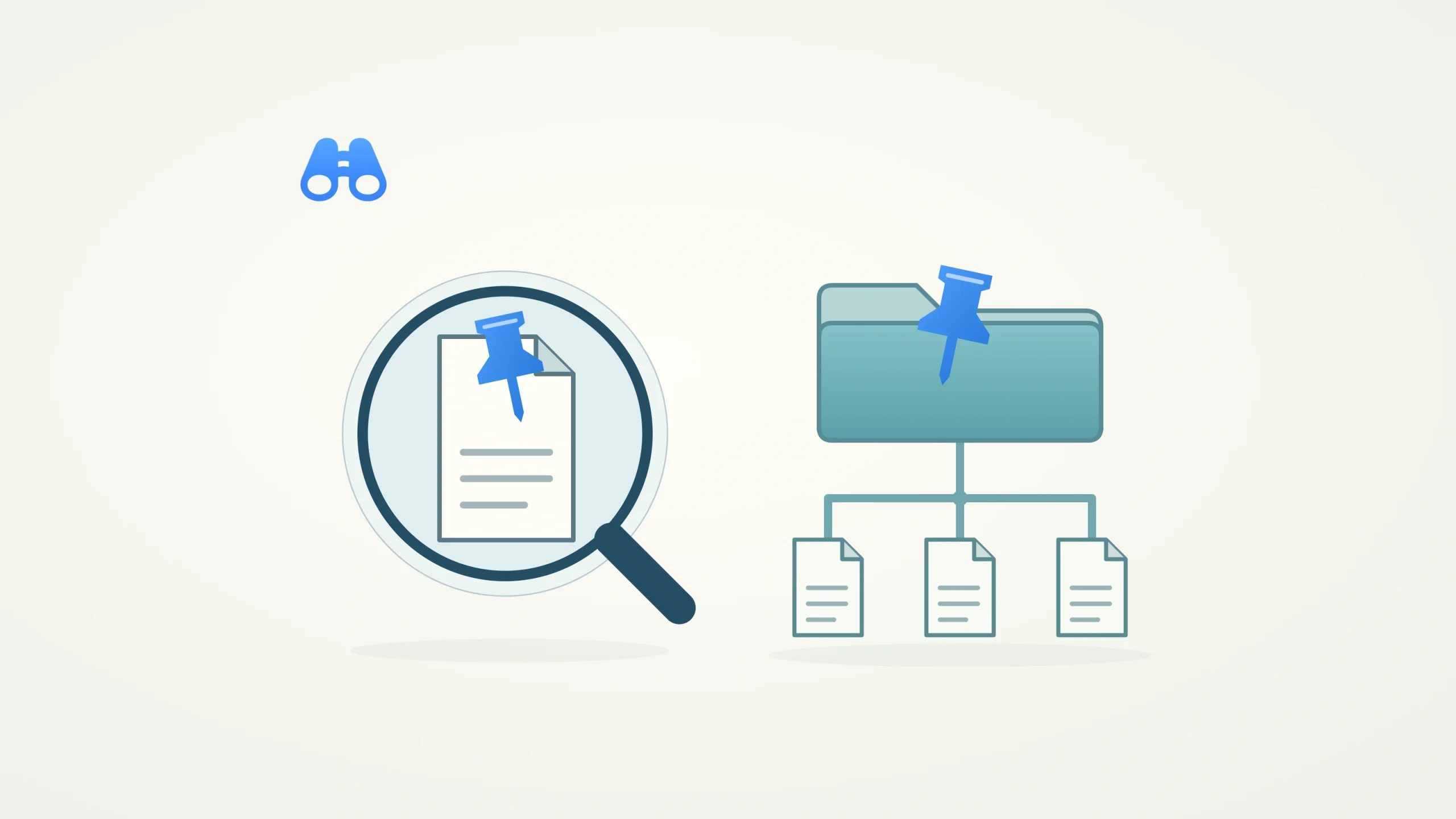
Conceptual illustration of Wox’s local search remaining available while its online features are paused. Illustration: MacDigest.
Wox 2.4.7, released October 15, adds an offline mode that keeps local search available while pausing the launcher’s network features and third-party plugins. For Mac users who mainly use Wox to find things locally, the update introduces a clearer boundary between everyday searches and connected features.
What pauses in offline mode
The version-pinned settings text identifies update checks, the plugin store and the theme store among the features paused by offline mode. Third-party plugins also stop, so the change affects more than requests to remote services. A plugin used for a local task can still become unavailable.
Wox’s plugin lifecycle code preserves saved preferences when it deactivates plugins and stops their runtimes. When offline mode is turned off, eligible plugins can be reactivated. Plugins the user has disabled remain disabled.
Where the network boundary sits
The tagged network implementation rejects non-loopback requests through Wox’s wrapped HTTP transport. Enabling the mode also cancels tracked external operations and closes tracked idle HTTP connections. Requests to localhost and literal loopback addresses remain allowed, preserving a route to services on the same computer.
This is an application-level control. It does not disconnect the Mac from the internet or establish a system-wide firewall, and the implementation should not be read as a guarantee covering every app or network path. Separately, Wox’s presence telemetry sender skips sending while offline mode is active.
Mac downloads and upgrade checks
The release provides separate DMGs for Apple silicon and Intel Macs. Its Mac bundle configuration specifies macOS 12.0 as the minimum. The official release workflow records successful DMG stapling and validation for both Apple silicon and Intel builds.
Before relying on offline mode, check which of your regular workflows depend on third-party plugins, and expect update checks and store access to stay paused until you turn it off. MacDigest has not installed or tested this release; the details above come from its release notes, tagged source and official build records.