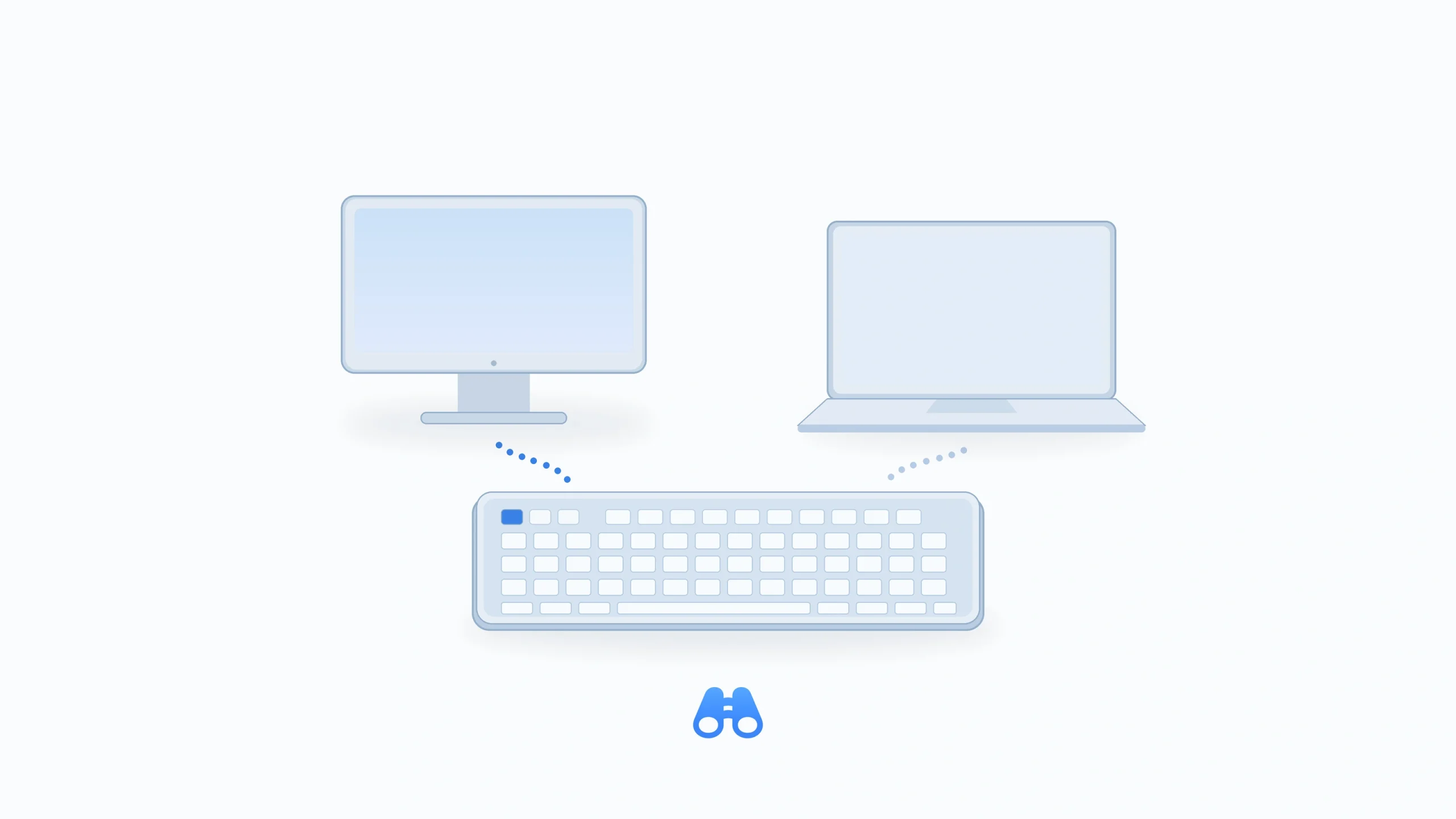
Conceptual illustration of a keyboard paired with two computers. Illustration: MacDigest.
OpenLogi 0.8.14 adds Easy-Switch host details, keyboard backlight controls and Sparkle-based Mac updates. Released on October 15, the update expands the open-source Logitech utility’s device settings for Mac users looking beyond Logi Options+.
See which computer is paired
On supported devices, the new Device-tab panel lists each Easy-Switch channel’s stored computer name, operating system and connection type where available. It marks the current channel and identifies unpaired slots, making a multi-computer setup easier to inspect.
A Rename control appears for paired channels only when the device supports renaming. Names stay on the peripheral, and OpenLogi reads back a change to check that it applied. The app does not automatically rewrite host names or OS information.
Backlight controls and Mac updates
The keyboard backlight panel adds on/off, automatic brightness, fixed brightness and battery-saving controls, showing the options each keyboard reports supporting. Choosing a fixed level turns automatic brightness off. These settings are saved on the keyboard and apply when it is used with another computer.
On macOS, Sparkle now handles updates in release bundles. Update checking remains opt-in: when enabled, it runs once at launch, with scheduled polling disabled. Background downloads follow the separate Automatic updates preference.
Check hardware support first
The Easy-Switch and backlight pull requests explicitly describe mock or scripted-device testing without real-hardware verification. MacDigest has not tested this release on hardware, so these are announced capabilities, not confirmed results for any particular Logitech model.
The version-pinned installation guide requires macOS 13 or later, and the release includes separate Apple silicon and Intel disk images. The project remains under active development and is not yet stable. It also tells users to quit Logi Options+ first because the apps compete for HID++ access. Choose the matching 0.8.14 download from the release page and check compatibility before relying on the new controls.