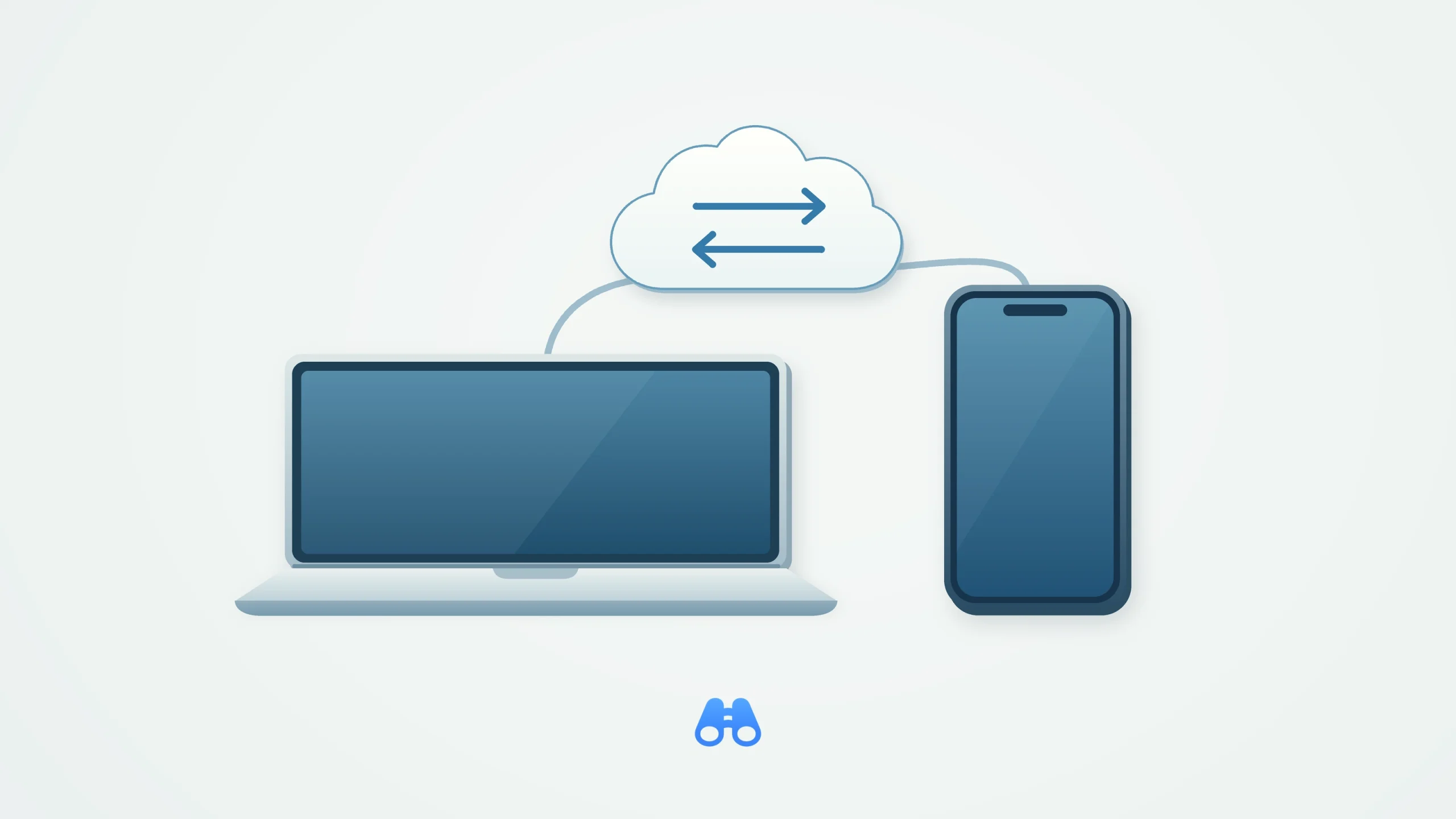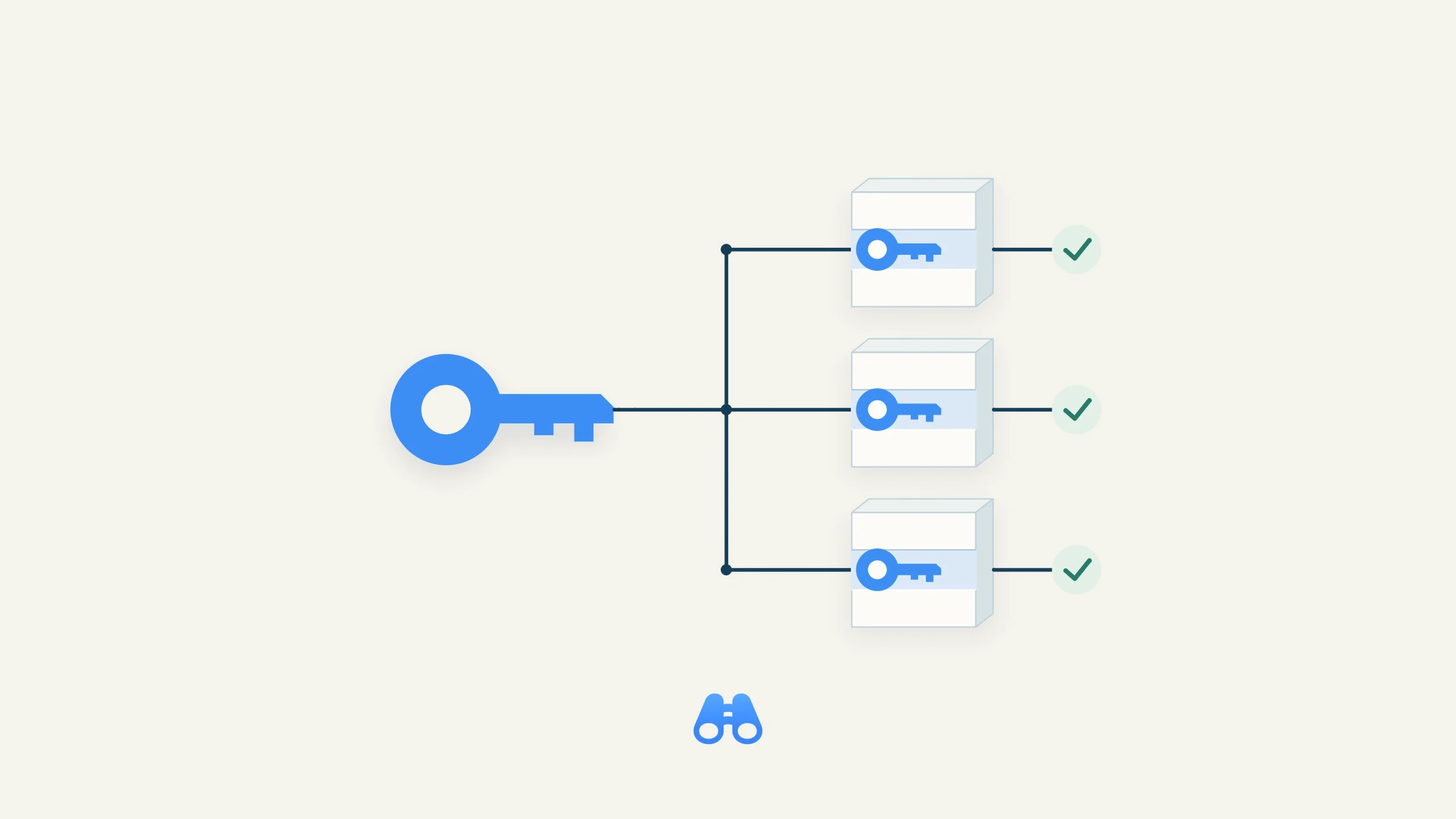
A conceptual view of SSH ID migration: provision public keys on each host, update its authentication, then verify the new connection. Illustration: MacDigest.
Termius says MultiKey will be unavailable after October 15, 2026. Developers and administrators using Termius on a Mac should check whether their server connections still depend on it. The warning appeared in the August 3 release notes, making this an existing retirement deadline.
The company recommends SSH ID or another authentication method. Its migration guide gives no exact cutoff hour or time zone, so avoid planning around an assumed midnight deadline.
Set up more than one way in
SSH ID creates device-bound keys and publishes their public portions through a personal sshid.io handle. Termius says the private keys remain on the devices where they were generated. Setting up an identity alone does not provision those public keys on your servers.
On the Mac, start in Termius → Settings → SSH ID. The setup instructions recommend adding at least two devices. For a team migration, everyone who needs access must have an SSH ID; Termius recommends two enrolled devices or a backup authentication method in case one device is unavailable.
Update servers and host settings
Use the migration guide’s public-key export options to collect the required keys, then add them to the appropriate account’s ~/.ssh/authorized_keys file on each server. Match the key types to what the server accepts.
Each user must also update every affected host in Termius. Open Host Details, choose Personal vault under Credentials, enter the server username, and select SSH ID through the authentication selector. Check the username carefully: leaving it blank makes Termius use the SSH ID handle as the default.
Verify every connection
Reconnect to every host using SSH ID and confirm that no host remains configured for MultiKey. Keep a known-working recovery method available during testing, and do not remove old access until the replacement has been verified.
This also matters after migration: adding a new device creates its own keys, whose public portions must be provisioned on the servers it needs to reach. A second device is useful only when its access works.
MacDigest has not independently tested the migration.