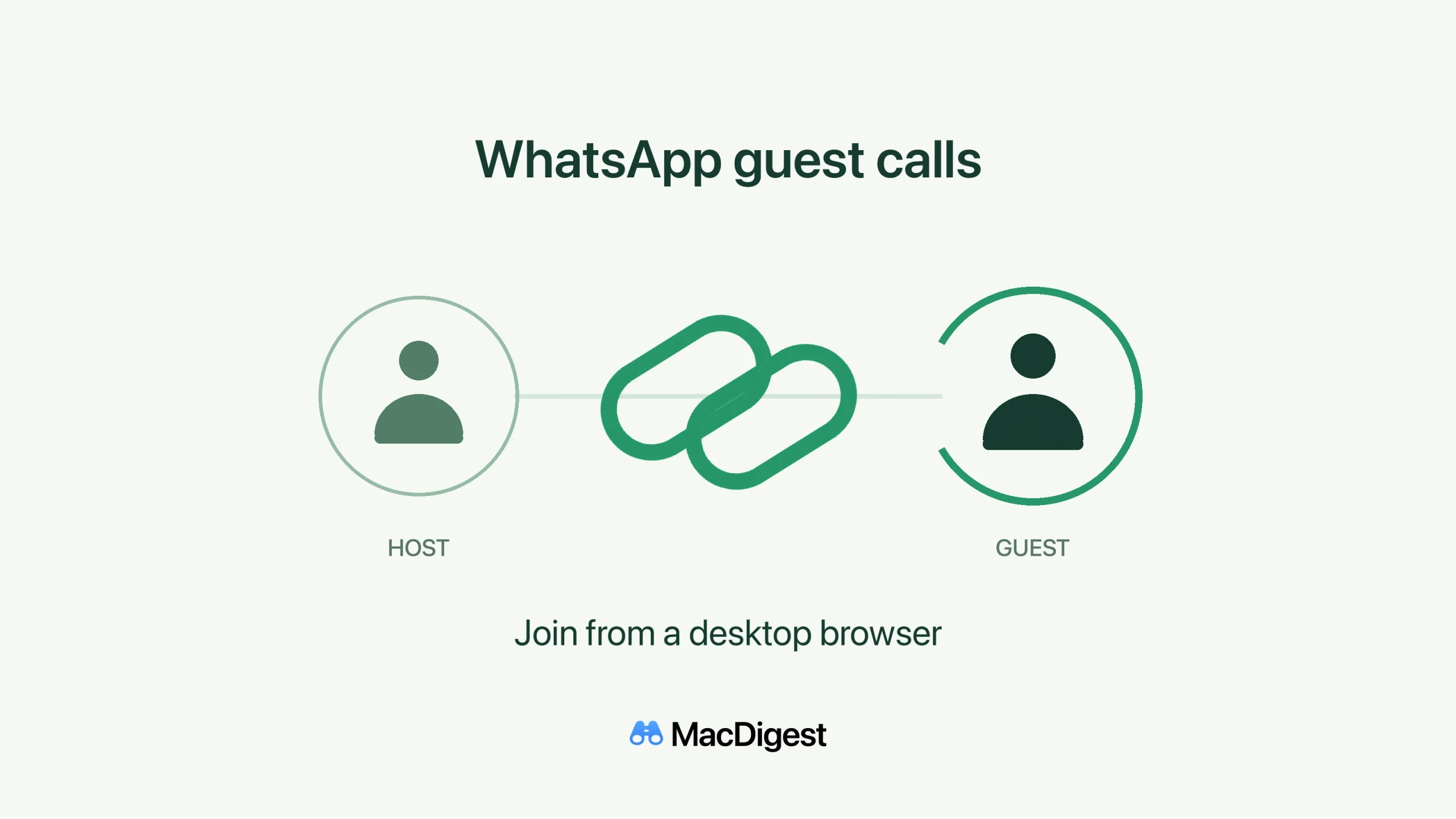
WhatsApp guests can open a call link in a supported desktop browser and wait for the host to admit them. Original MacDigest illustration; not a product screenshot.
WhatsApp announced guest calling on October 14, allowing invitees without a WhatsApp account to join through a computer browser. For Mac users, the useful change is a call invitation that does not require signing up. The person creating the link still needs an account.
Join from your desktop browser
Open the host’s call link, enter your name and wait to be admitted. WhatsApp’s guest-specific help lists desktop Safari, Chrome, Firefox and Edge. It does not give minimum browser or macOS versions.
Your chosen name appears with a “Guest” label. Host approval is always required for guests, even when the call’s “Require approval to join” setting is off. If you are waiting, the link creator needs to let you in.
The host controls admission
In WhatsApp, open the Calls tab, select +, then create and share a call link. The call-link guide says the link creator handles guest admission and removal. Share the link only with people you trust; a link expires after 30 days without use.
WhatsApp describes the calls as free, end-to-end encrypted and without a fixed time limit. Its announcement describes calls with up to 32 people, including the host. A separate call-link troubleshooting page says 256, so the documentation is inconsistent. Do not rely on the larger figure when planning a session.
What guests can and cannot do
Guests can use audio and video, share their screen and send reactions. They cannot send messages, add or remove participants, or create calls. WhatsApp says guests cannot see other participants’ phone numbers.
Google Calendar and Outlook plug-ins are planned for later this year. The announcement does not include a country-by-country rollout schedule.
We have not tested a live guest call. These steps follow WhatsApp’s announcement and help pages.