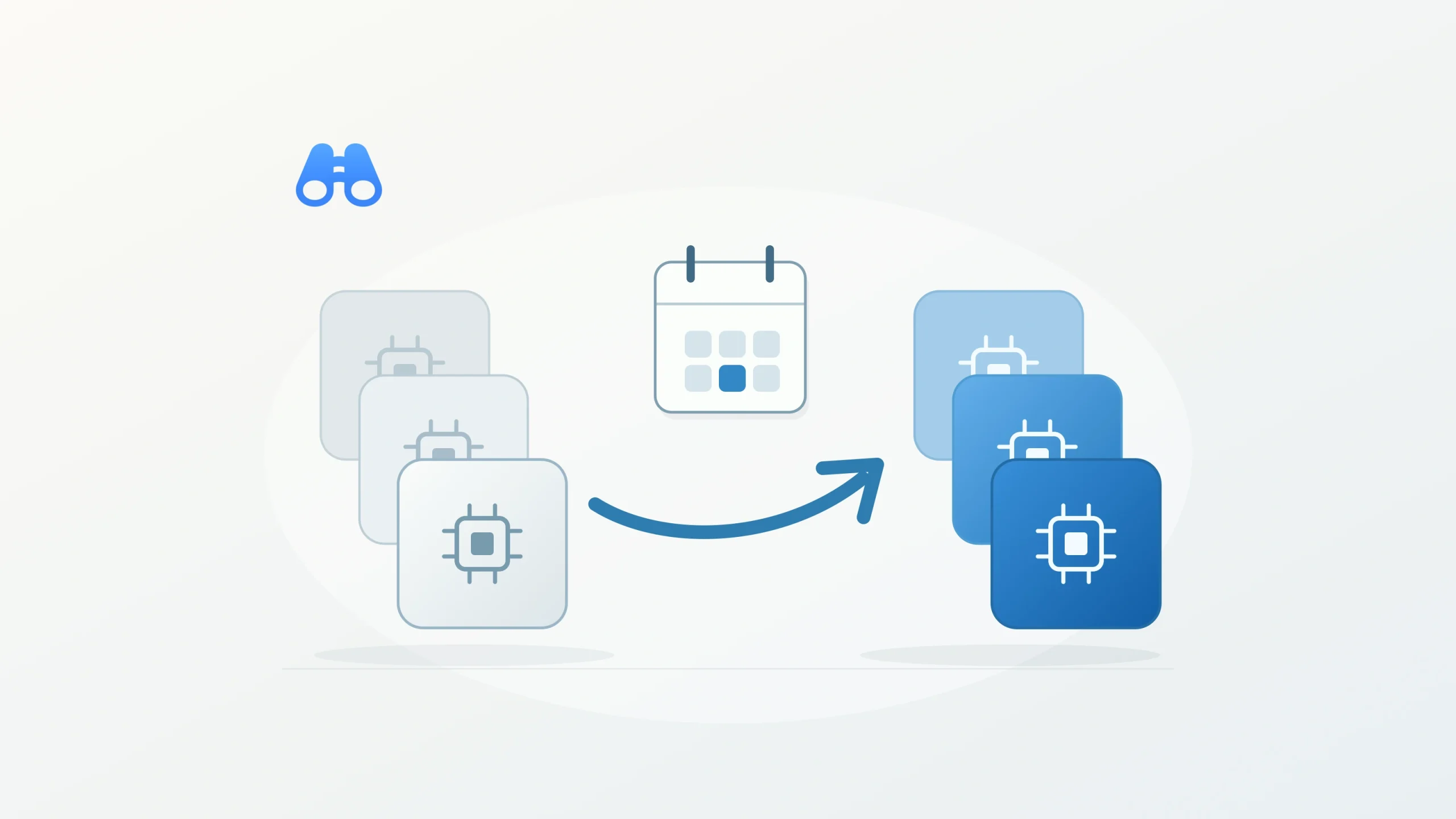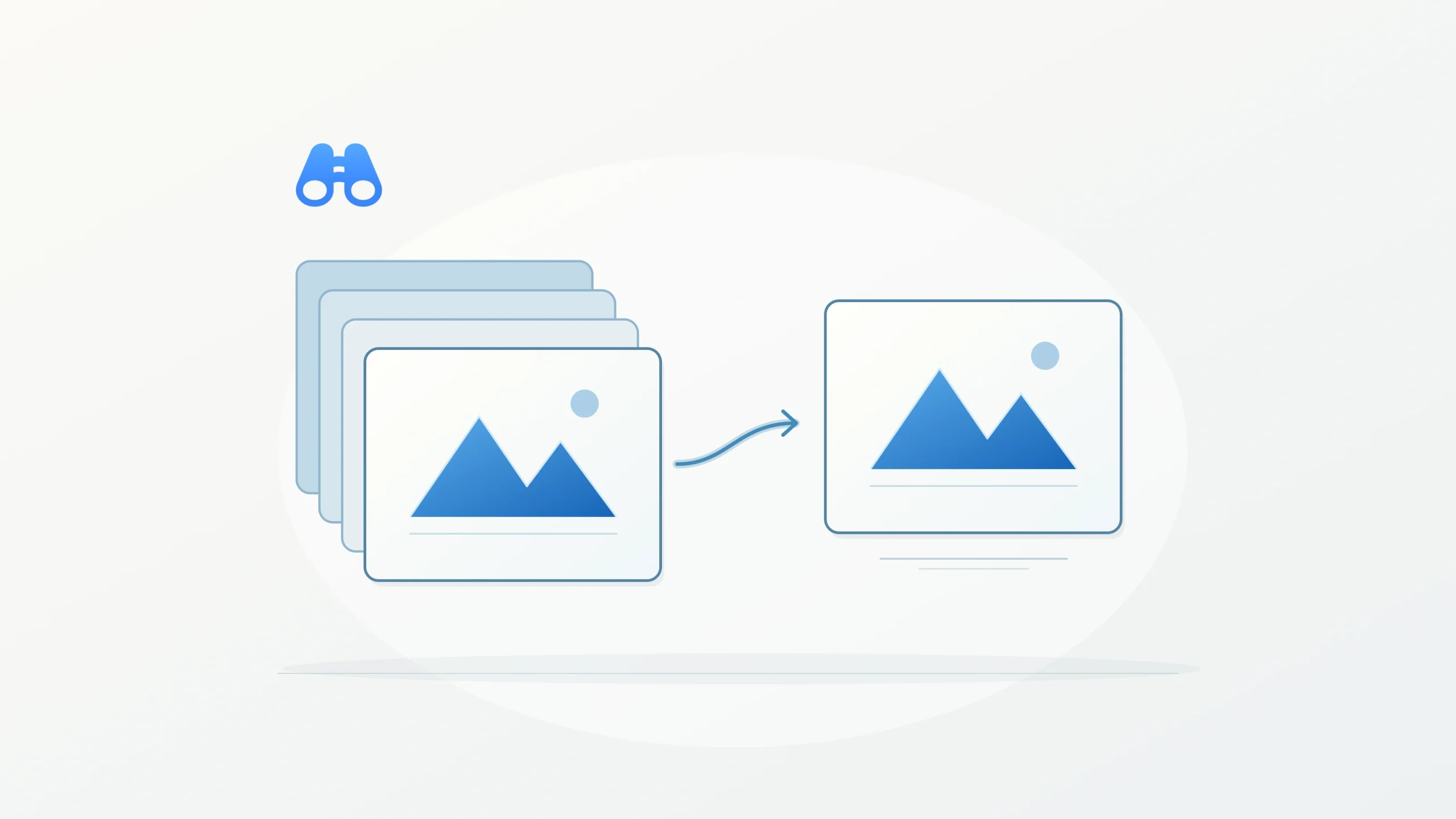
Conceptual illustration of an MSAA intermediate resolving into a single-sampled final back buffer. Illustration: MacDigest.
Unity 6000.6.6f1, released October 15, targets unnecessary back-buffer memory and bandwidth in the Universal Render Pipeline (URP). Unity lists iOS and Metal among the affected platforms.
Keep MSAA where it is needed
Unity’s multisample anti-aliasing (MSAA) documentation describes a hardware anti-aliasing technique that smooths triangle edges. Shader-related aliasing remains a separate limitation. The relevant distinction here is between sampling during scene rendering and the buffer that receives the resulting image.
In this patch, the final back buffer stays single-sampled when no camera renders MSAA directly to it. That includes frames where a camera resolves MSAA from an intermediate texture. Unity says the MSAA result is unchanged.
Test the render path you ship
For an existing Unity 6.6 project, test a separate project copy with representative scenes and the same quality settings, resolution and target hardware used by the shipping build. Include camera configurations that use intermediate textures. Compare image edges as well as memory use and frame timing, so a visual regression does not disappear inside an average performance figure.
Treat that comparison as project validation. MacDigest has not benchmarked this build, and the release notes provide no measured savings. The fix alone is insufficient reason to move a project from another Unity branch.
Other checks before updating
The update also fixes a crash when importing X.509 certificates on recent macOS versions. A project-launch crash from exFAT external drives remains a listed known issue.
Check the Unity 6.6 requirements before testing: its Mac Editor requires macOS Ventura 13 or later. Keep the original project available for rollback while checking the build on the devices it actually targets.