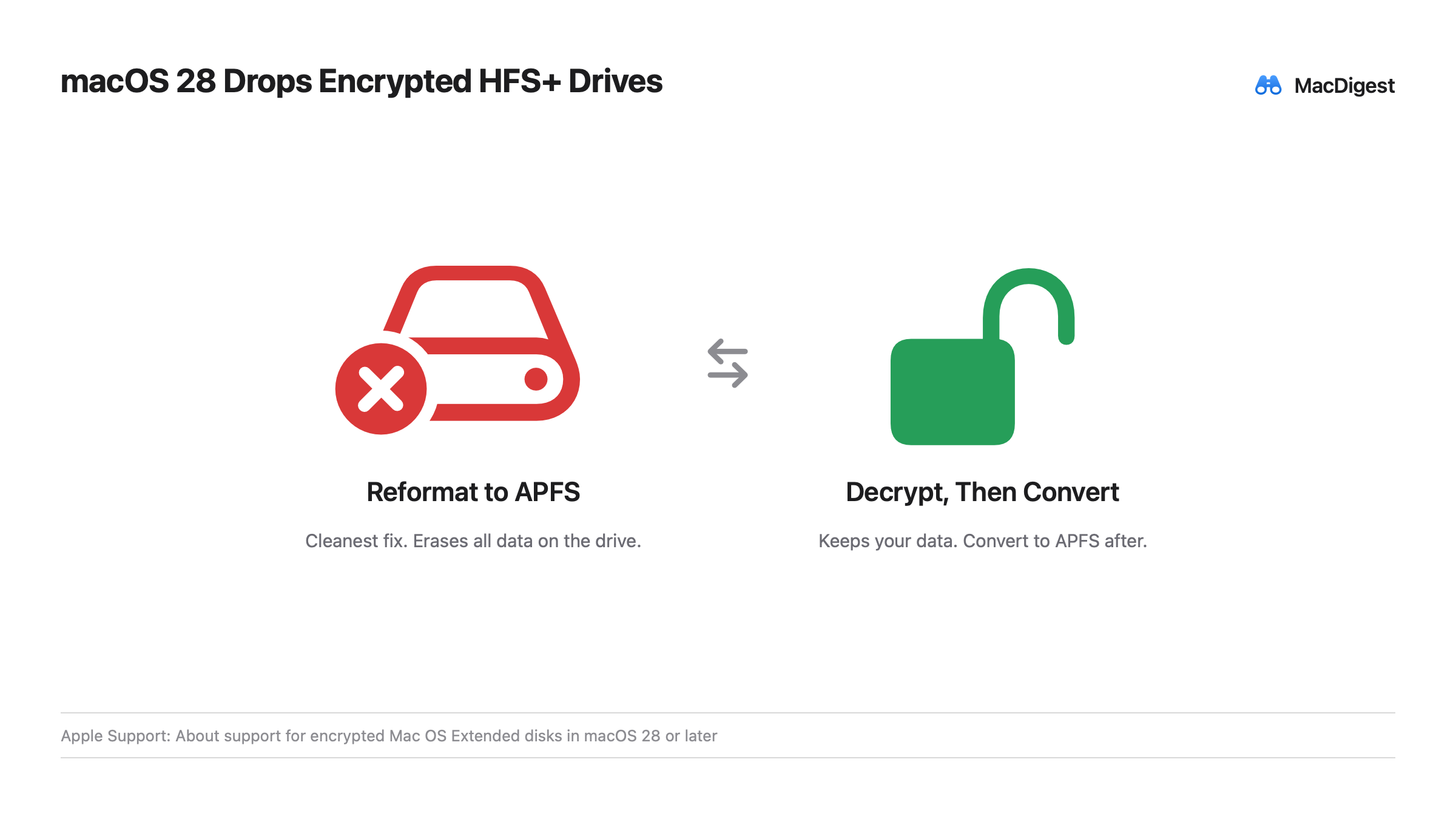
Apple posted a support document this week. Starting with macOS 28, the Mac OS Extended format, known as HFS+, will only work on drives that aren’t encrypted. A drive that is both HFS+ and encrypted stops working once you install macOS 28, so it needs handling first. The update ships in 2027.
Only that one combination is affected.
Who is unaffected
Unencrypted HFS+ drives are unaffected. Encrypted APFS drives are unaffected. Only a drive that is HFS+ and encrypted at once is affected. Every Mac SSD already uses APFS, so this applies only to external drives, mostly old encrypted hard drives kept for archives.
How to check
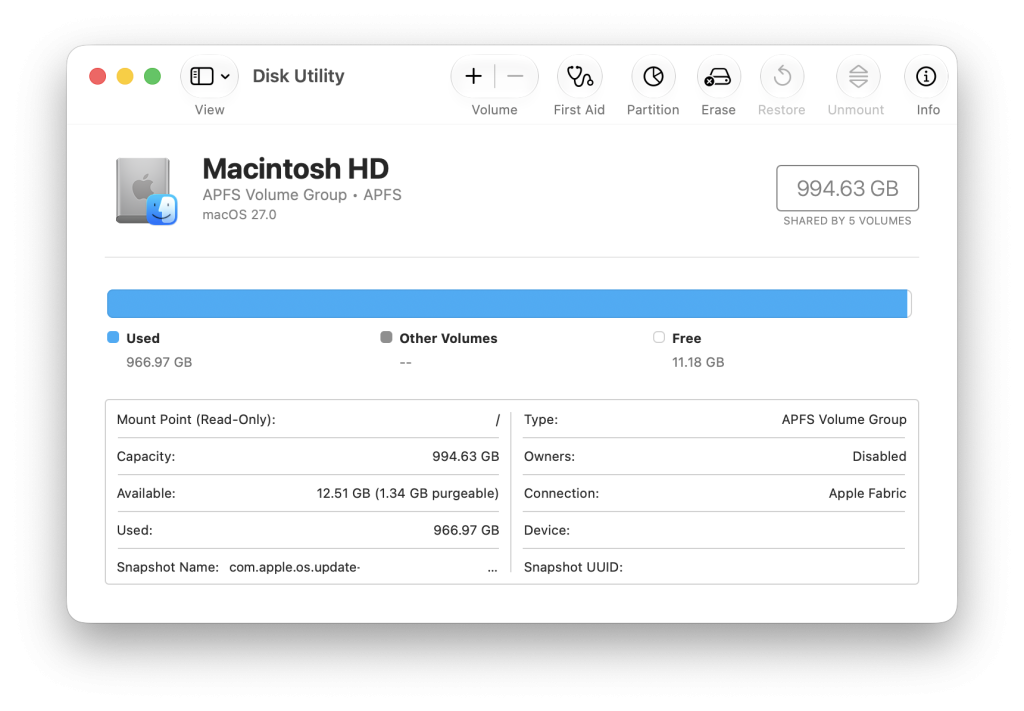
Open Disk Utility, select the drive, and read the line under its name. If it shows Mac OS Extended and Encrypted, the drive is affected. Anything else is fine. On macOS 26, the Mac flags an affected drive by name when you connect it.
What to do
Back up the drive, then choose one.
Reformat to APFS: the cleanest option, but it erases all data. In Disk Utility, wipe the volume and set it up as APFS or APFS (Encrypted).
Decrypt, then convert: keeps your data. Connect and unlock the drive, control-click its icon, and choose Decrypt. When it finishes, open Disk Utility and use Edit, then Convert to APFS. Re-encrypt afterward if needed.
Two easy misses
The decrypt route does not apply to encrypted Time Machine drives, which need separate handling.
Decrypting a large drive takes hours. Do it ahead of time, not on upgrade day.
Apple gave no reason. The direction matches its recent moves. HFS+ dates to 1998, APFS became the default in 2017, and Apple is retiring the old format in stages.