Businesses and schools can now buy auto-renewable app subscriptions in volume through Apple Business and Apple School Manager. For developers, the important launch-day check is which purchase options each subscription actually has, and what changing them would do to existing customers.
Apple’s October 22 announcement separates this rollout from consumer group purchases. Those arrive on the App Store this winter; configuration and testing in a Sandbox Apple Account begin October 28.
Organizations can buy seats now
An organization buys the seats it needs in one Apple In-App Purchase, then assigns and manages them through its existing device-management tools. This gives subscription developers a procurement route for managed workplaces and classrooms, rather than requiring every employee or student to subscribe separately.
The underlying implementation was outlined at WWDC26: StoreKit 2 is required, and assigned members receive transactions that the app can use to grant access. Each seat defaults to the subscription’s current price; developers can configure volume pricing. A multiseat purchase therefore does not automatically mean a bulk discount.
Two settings, different renewal outcomes
App Store Connect’s Purchase Options separates multiseat permission from availability through particular sales channels.
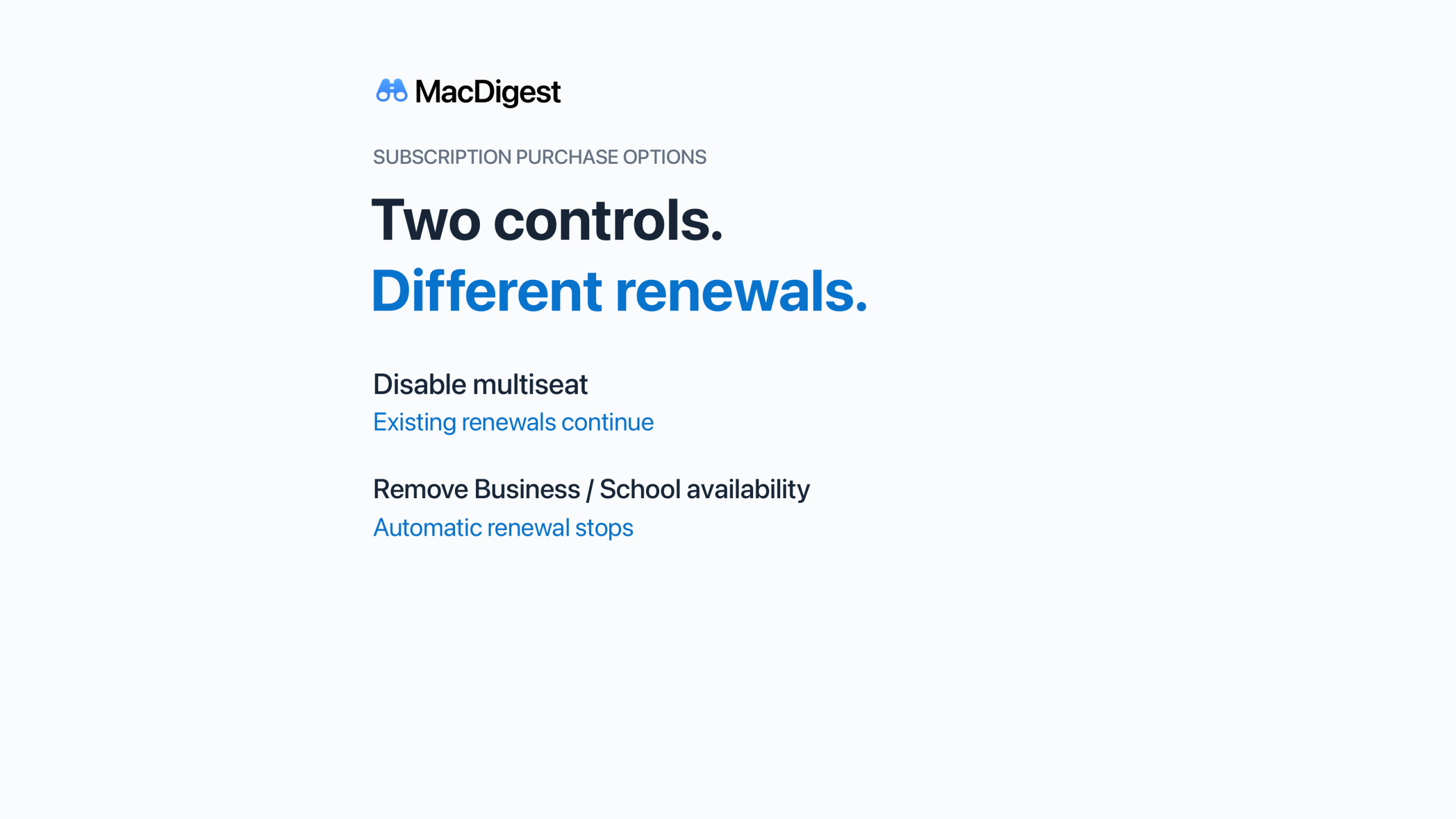
- Disable multiseat purchases: new multiseat sales stop, including through Apple Business and Apple School Manager. Existing subscriptions continue renewing until the purchaser cancels. Seats cannot be added, but can be removed.
- Remove Business or School availability: for an approved subscription, this requires the Account Holder. Existing subscribers stop renewing automatically and, in Apple’s wording, are “canceled at the end of their next renewal.”
That distinction matters when a developer wants to stop taking new organizational customers without disrupting an existing classroom or company deployment. Treating the two controls as interchangeable could produce the wrong result.
Check the subscription, not just the default
Apple says multiseat purchasing is enabled by default unless previously adjusted. Its Help page qualifies that: subscriptions created before September 14, 2026 without StoreKit 2, or with Family Sharing enabled, default to opted out. Custom-app subscriptions have separate rules and cannot opt out of multiseat purchasing.
Review each subscription’s actual configuration before planning a rollout or changing availability. Keep organizational purchasing and the forthcoming in-app group experience on separate release checklists: today’s announcement establishes the first, not the second.