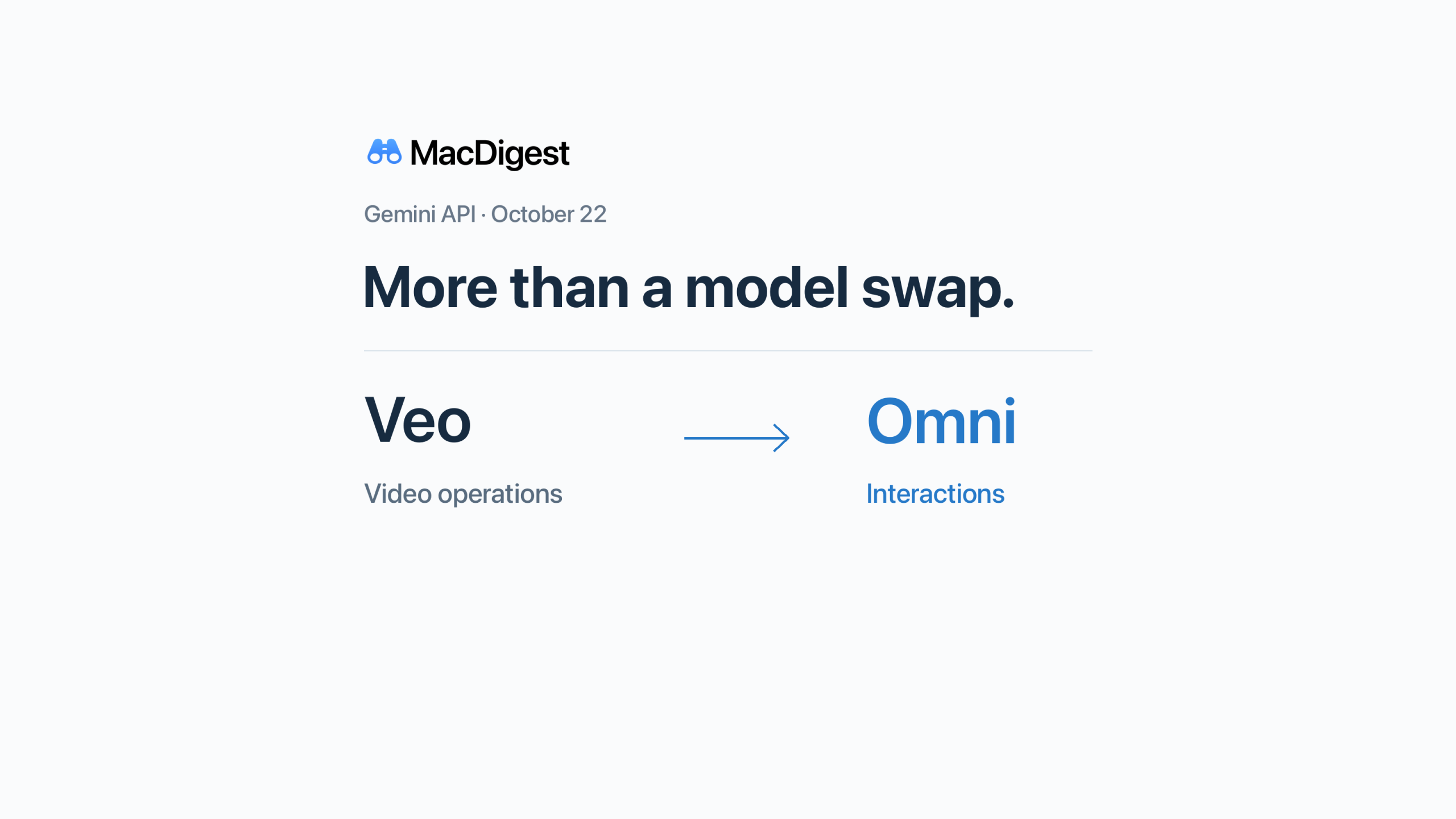
The Veo preview migration is more than a model-name change: the API workflow moves from video operations to Interactions. October 22 refers to the preview retirement covered by the accompanying article, not all Veo products.
Developers using Veo previews through the Gemini API should check their video-generation pipeline before October 22, 2026. Moving to Google’s recommended Gemini Omni Flash replacement changes the request and result handling, not just the model identifier.
Check which video endpoint you use
Google’s video documentation schedules three Gemini API models for shutdown on October 22: veo-3.1-generate-preview, veo-3.1-fast-generate-preview and veo-3.1-lite-generate-preview. It recommends gemini-omni-1.1-flash or GA models on Gemini Enterprise Agent Platform.
The separate gemini-omni-flash-preview endpoint has the same shutdown date. Existing Omni Preview integrations should therefore check their model selection too. This is an API migration notice, not an announcement that consumer Gemini video generation or all Veo deployments are ending.
Google does not specify a cutoff time in these notices. Plan ahead of the date rather than relying on a final deployment window.
Review the request and the returned video
The concrete Veo examples call client.models.generate_videos, poll an operation and download a generated video. REST examples use :predictLongRunning.
For the Omni route, review these parts against Google’s current implementation guide:
- Request: use
interactions.createwithinput, or the REST/v1beta/interactionsendpoint. Do not retain the Veo request body unchanged. - Completion: Omni documents synchronous generation. Rework completion and failure handling rather than copying Veo’s operation-polling loop.
- Output: the SDK provides
output_video; raw REST clients read video content from thestepsarray. Check whether your downloader expects base64 data or URI delivery. - Controls: check supported settings individually. Omni puts resolution in
response_formatin its current examples and does not support a separate negative-prompt parameter.
Also decide whether to retain interaction state. The Interactions documentation says requests are stored by default. Setting store=false prevents later continuation through previous_interaction_id and cannot be combined with background execution. That choice matters if the app offers follow-up edits.
Recheck the budget before switching
At 720p, Google’s pricing page lists Veo Standard, Fast and Lite at $0.40, $0.10 and $0.05 per second respectively. Omni’s video output is token-billed, with an approximate 720p equivalent of $0.10 per second; input tokens are charged separately.
That is not a universal saving. Lite users face a higher listed video-output equivalent, while matching Fast’s headline rate does not establish the same total bill. Do not apply the 720p estimate to 4K.
This checklist is based on Google’s documentation, not a live performance comparison. Before deploying, test representative jobs through generation, result retrieval and playback, including the failure path and any editing controls your app exposes.